Key takeaways
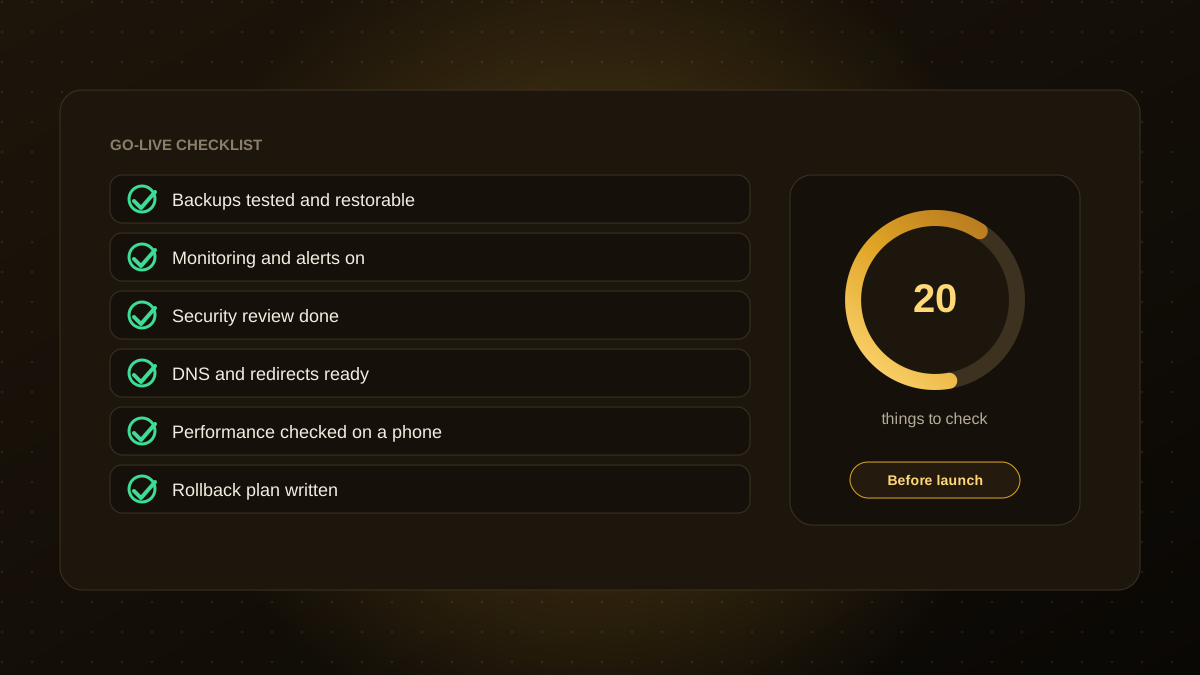
- Most launch problems come from the same gaps: untested backups, missing monitoring, forgotten redirects and no rollback plan.
- Check four areas: the product itself, infrastructure, security and the launch operation.
- Rehearse the release on a staging copy, and decide in advance who does what on launch day.
- Launch early in the week, and not on a day when your team cannot respond.
- Plan the first week after launch too: monitor closely and fix quickly.
Why a checklist helps
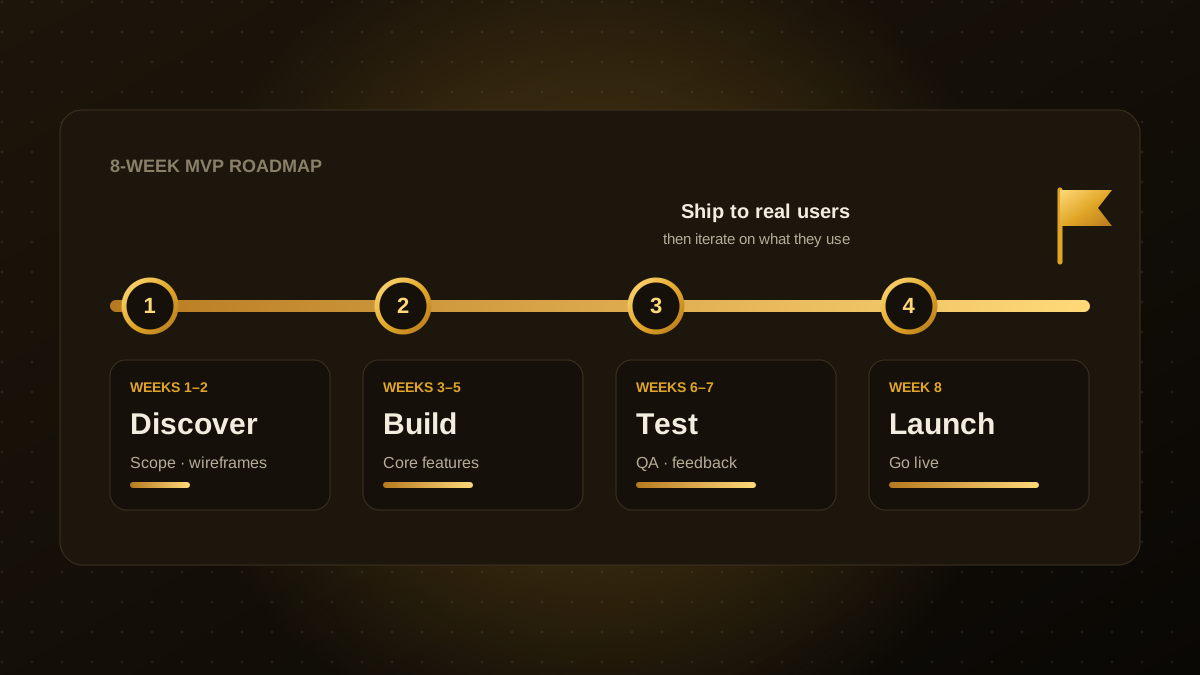
Launch day is full of small decisions, and tired people forget things. A written checklist turns experience into a routine, so that the unglamorous essentials are not skipped. Use it as a starting point and adapt it to your product. The list below pairs well with our 8-week MVP plan.
Product and quality (5)
- Core journeys work end to end on the production configuration: sign-up, sign-in, the main task and payment, if any.
- Tested on real devices and browsers, including a mid-range phone and slower connections.
- Error states are friendly. Empty states, failed payments, expired links and 404 pages all show a helpful message.
- Emails and notifications work, are authenticated and land in the inbox. See our guide to SPF, DKIM and DMARC.
- Accessibility basics pass: keyboard use, labels, contrast and headings. See our accessibility checklist.
Infrastructure and performance (5)
- Backups run automatically and a restore has been tested.
- Monitoring and alerts are on: uptime, errors, slow requests and queue backlogs, with a named person receiving the alerts.
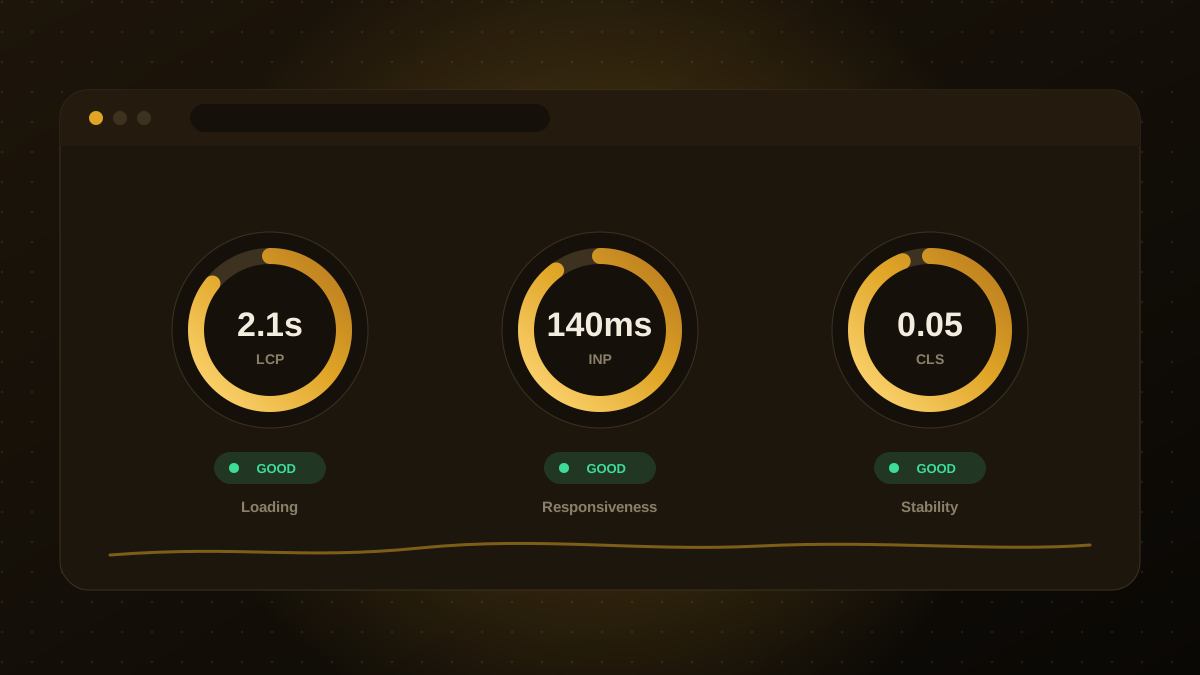
- Performance meets your targets under realistic load, including the Core Web Vitals in our checklist.
- Production, staging and development are separate, with separate databases and credentials.
- Scaling and limits are set, including database connections, file storage and spend alerts on cloud costs.
Security and compliance (5)
- Authentication and permissions are verified on the server for every request, not only hidden in the interface.
- Secrets are out of the code and stored in a secrets manager, with unused keys revoked.
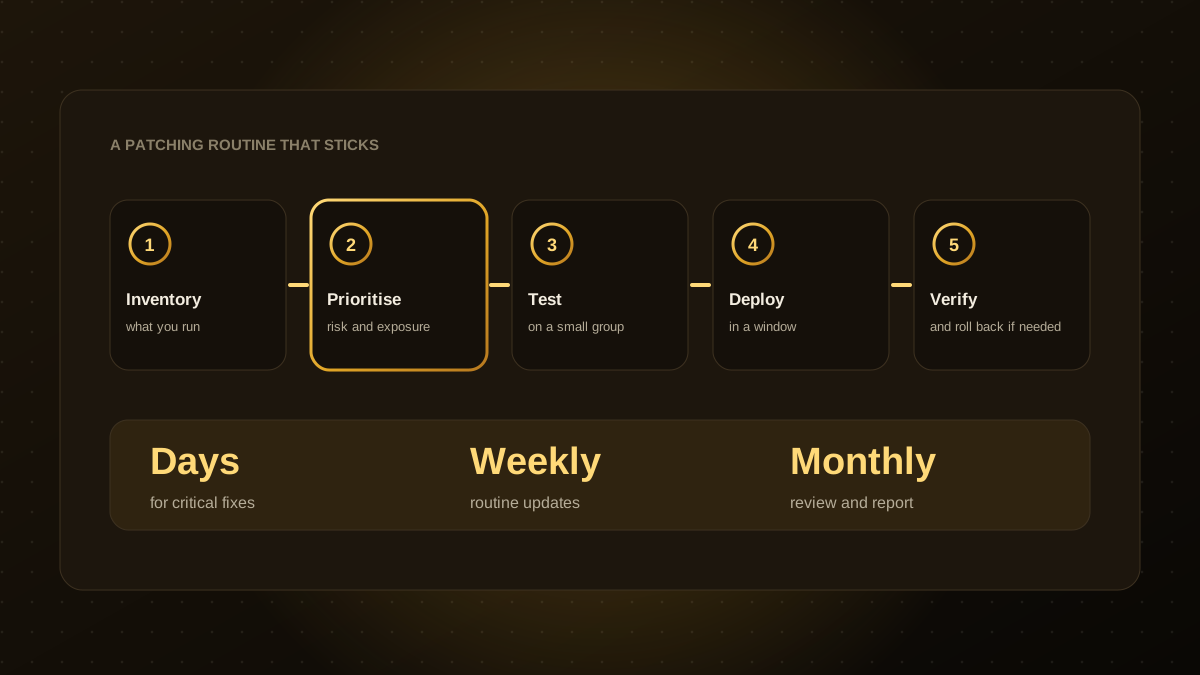
- Dependencies and the server runtime are up to date, with no known critical vulnerabilities. See our patch management guide.
- HTTPS is enforced, with sensible security headers and rate limiting on sensitive endpoints.
- Privacy basics are in place: a privacy policy, cookie consent where required, data retention rules and a way to handle data requests.
Launch operations (5)
- A rollback plan is written and rehearsed. You know how to return to the previous version quickly.
- DNS, redirects and certificates are ready. Lower DNS cache times in advance, and test redirects from any old addresses.
- Analytics and error tracking are working so you can see what users do and what breaks.
- Support is ready: a contact route, a short help page and a person who answers on day one.
- Roles and timing are agreed. Who deploys, who watches, who decides to roll back, and a launch window when people are available.
After launch
- Watch error rates, performance and sign-up funnels closely for the first week.
- Collect feedback from the first users and list quick fixes.
- Hold a short review, record what you learned and update this checklist.
If you would like a second pair of eyes before you launch, our web app development team can run a pre-launch review.

Written by the Qodexify engineering team
Qodexify is a remote-first team of senior engineers building web apps, AI agents, workflow automation and websites. Learn more about our web app development service or talk to an engineer.