Key takeaways
- A customer portal gives clients self-service access to their own information, which cuts email and phone requests.
- Start with the few things customers ask for most: status, documents, invoices and a way to contact you.
- Security matters more than features. Each customer must see only their own data, and sign-in should be strong.
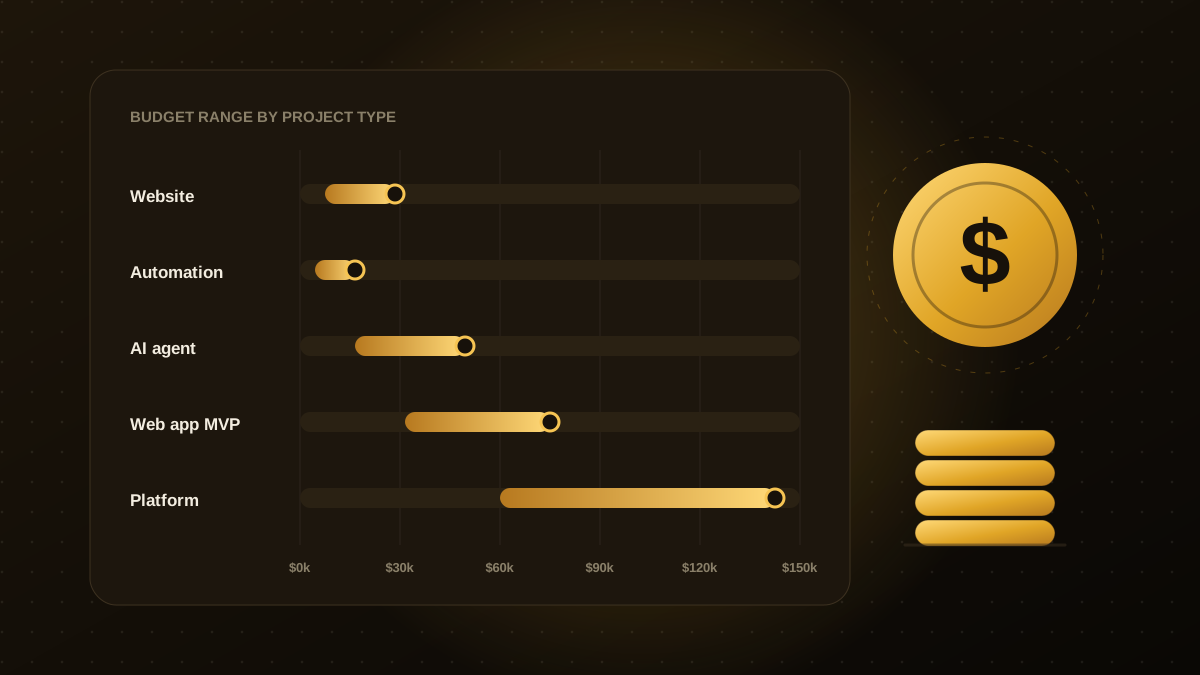
- Indicative cost is roughly $20,000 to $70,000 for a custom portal, and less if an off-the-shelf tool covers your needs.
- Launch with a small group of customers, watch what they use and add features from real demand.
What a customer portal is
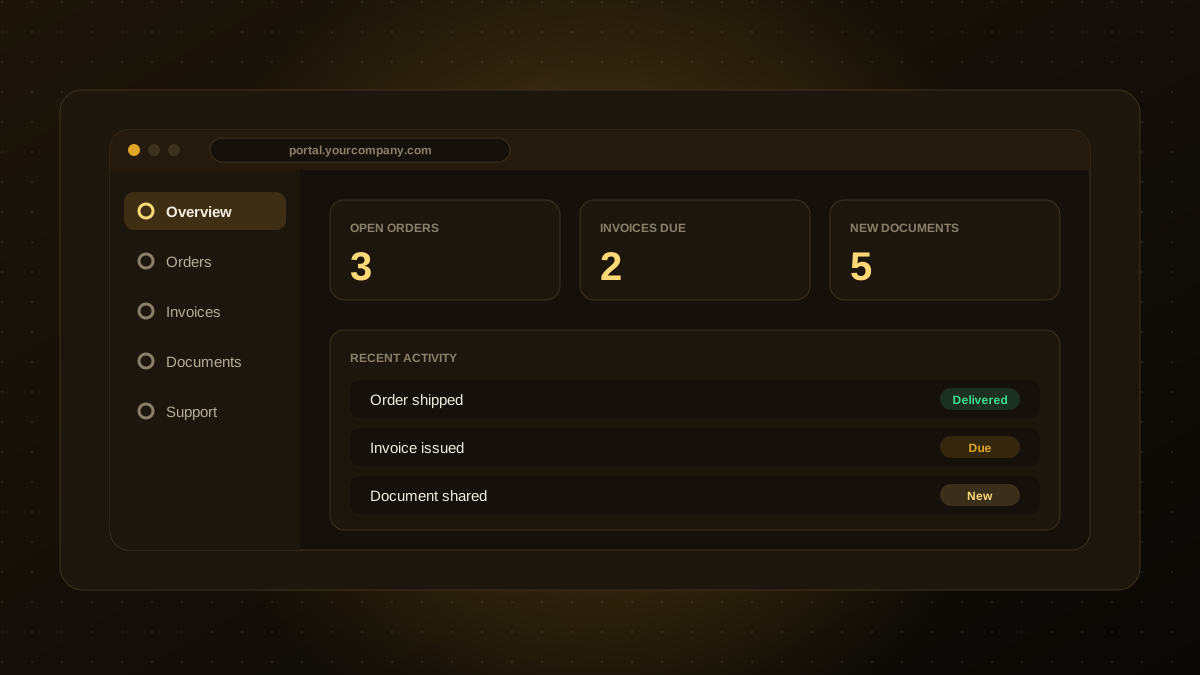
A customer portal is a secure area where customers sign in to see and do things that would otherwise need an email or a call: check an order, download an invoice, share a document, book a visit or raise a ticket. Done well, it saves your team time and gives customers answers at any hour.
Features worth building first
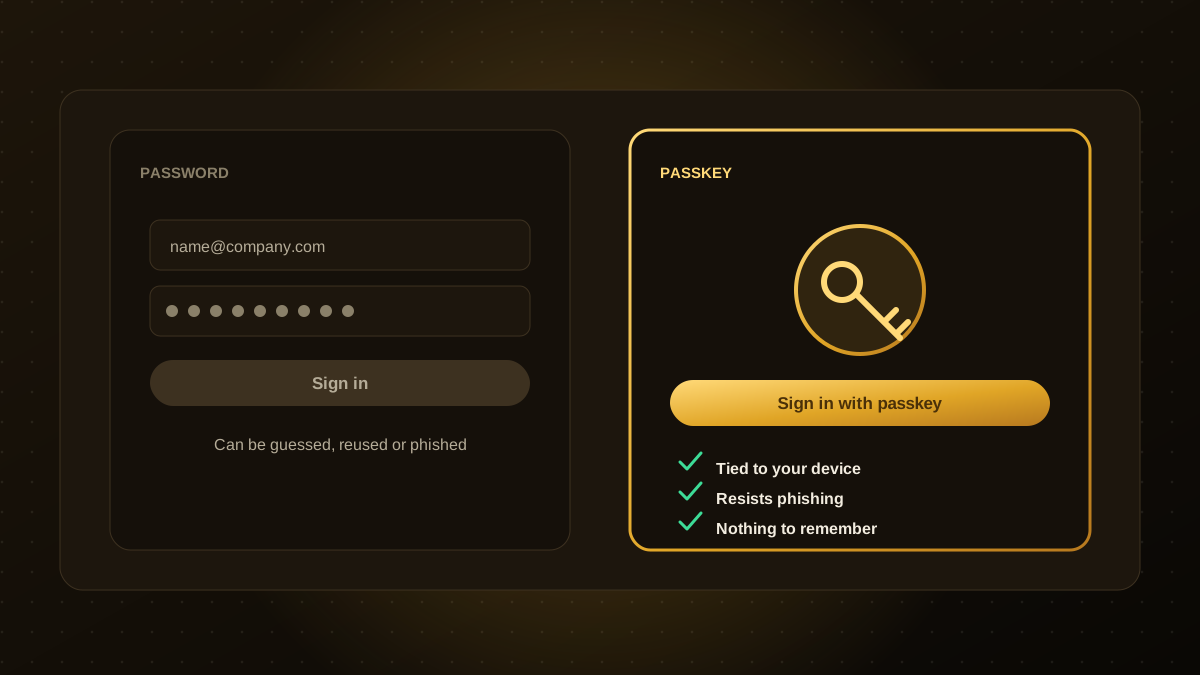
- Secure sign-in and accounts, with roles if customers have several users. Consider passkeys for strong, easy authentication.
- A clear dashboard showing status: open orders, jobs, invoices due, recent activity.
- Documents and files, such as quotes, contracts and statements, with upload and download.
- Invoices and payments, linked to your accounting system.
- Requests and support, with ticket history and status.
- Notifications, by email or message, for changes that matter.
Later: bookings, messaging, usage reports, an AI assistant that answers account questions and APIs for larger customers.
Integrations are the real work
A portal is only useful if its data is current, so most of the effort is connecting it to the systems where the information lives: CRM, accounting, inventory, support and file storage. Check the quality of the APIs or exports early. If an old system has no API, plan how to expose it safely, as discussed in our modernization guide.
Indicative costs
| Approach | Typical timeline | Indicative budget |
|---|---|---|
| Off-the-shelf portal tool, configured | 2 to 6 weeks | Lower set-up cost, plus per-user fees |
| Custom portal with a few integrations | 6 to 12 weeks | $20k to $70k |
| Large portal with many roles and systems | 12 to 20 weeks | $60k to $120k |
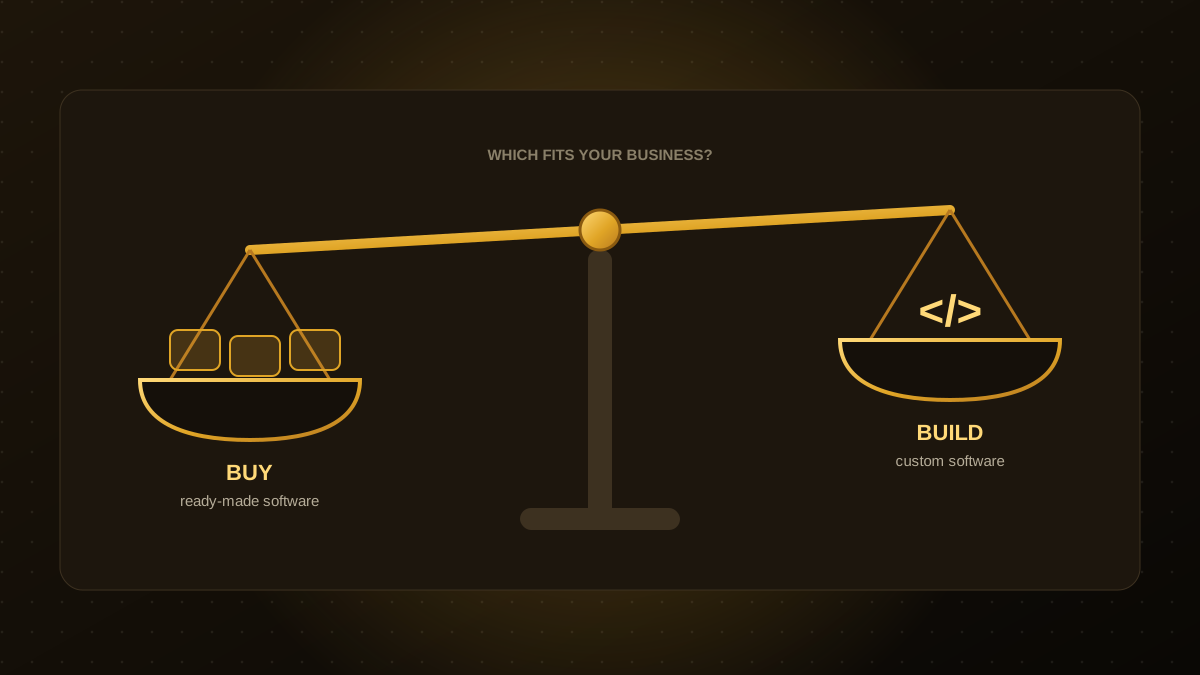
These are estimates, not quotes. See our cost guide and the build versus buy framework for how to decide.
Security and privacy
- Isolate customers. Every request must be checked on the server so that one customer can never see another's data.
- Strong authentication, multi-factor or passkeys, and a safe account recovery process.
- Least privilege and audit logs for staff who can see customer data.
- Protect files and exports, with expiring links and virus scanning for uploads.
- Privacy basics: clear notices, retention rules and a way to handle data requests.
Common pitfalls
- Building every feature at once instead of the few customers actually want.
- Stale or wrong data because integrations were an afterthought.
- Hard sign-in and no recovery path, which creates more support calls than it saves.
- No owner inside the business for the content and the customer experience.
Our customer portal development team can scope a first release with you, and help you choose between a configured tool and a custom build.

Qodexify is a remote-first team of senior engineers building web apps, AI agents, workflow automation and websites. Learn more about our customer portal development service or talk to an engineer.