Key takeaways
- Patch management is the routine of finding, testing and installing software updates, so known flaws are closed before attackers use them.
- You cannot patch what you do not know you have. Start with an inventory of devices, servers, websites and software.
- Prioritise by exposure and risk: internet-facing systems and flaws that are being actively exploited come first.
- Test on a small group, update in a planned window and keep a rollback plan, so updates do not become outages.
- Retire software that no longer receives updates, because it cannot be patched at all.
Why patching matters
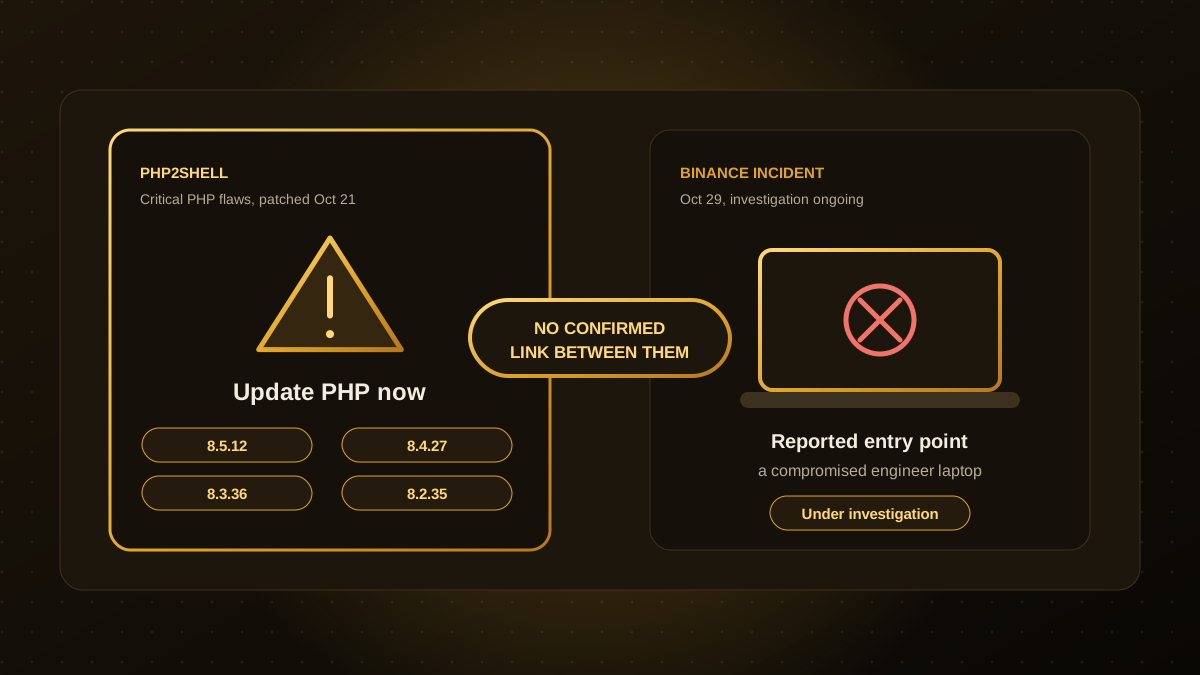
Most successful attacks use flaws that already have a fix. Attackers scan the internet for systems that have not applied it yet, and exploit code often appears within days of a disclosure, as we saw with the PHP flaws covered in our article on PHP2Shell. Speed matters, but so does care: a rushed update that breaks your systems is also costly. A routine lets you do both.
A five-step routine
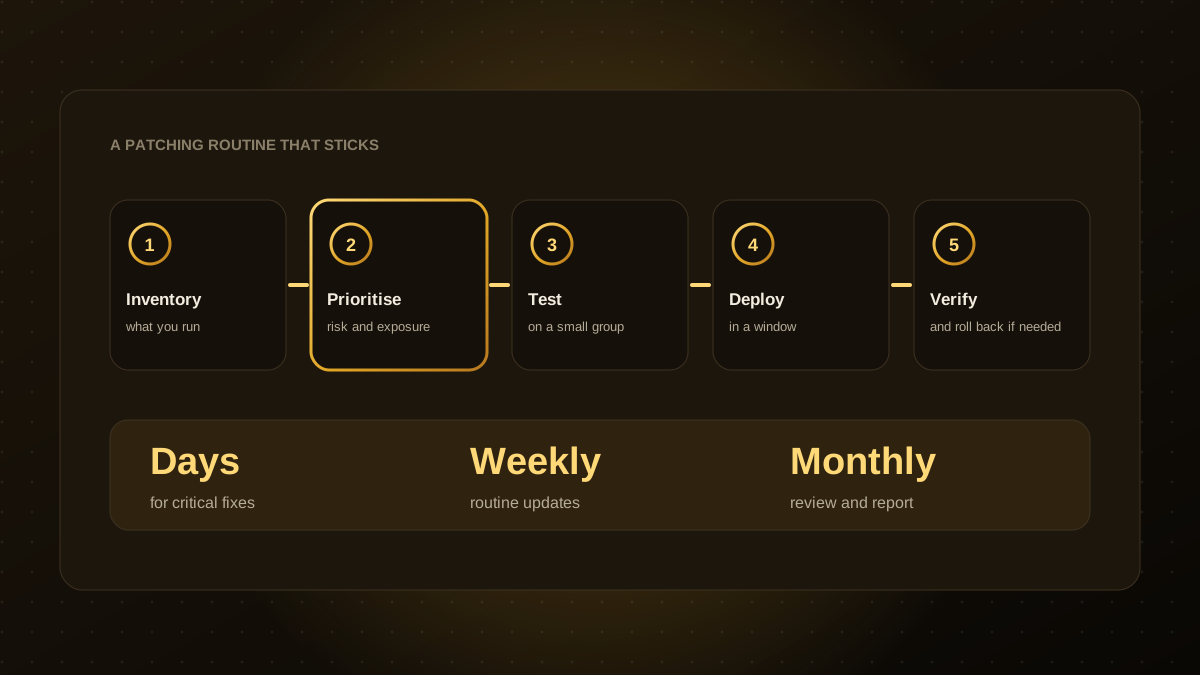
- Inventory. List your computers, servers, phones, websites, plugins, network devices and cloud services, with the owner and software version of each.
- Prioritise. Rank updates by how exposed the system is, how valuable it is and whether the flaw is being exploited. Government lists of known exploited vulnerabilities, such as CISA's catalogue, are a useful signal.
- Test. Apply the update first to a small group of low-risk machines or a staging copy, and check that important workflows still work.
- Deploy. Roll out in a planned maintenance window, with a person responsible and customers or staff notified if there may be disruption.
- Verify and report. Confirm the update applied, check for problems and record what changed. Keep a way to roll back.
Suggested timelines
| Type of update | Typical target |
|---|---|
| Critical flaw on an internet-facing system, or one being actively exploited | Within days, or an emergency fix the same day |
| High-severity flaw on internal systems | Within one to two weeks |
| Routine updates and feature releases | Within your regular monthly cycle |
| Software that no longer receives updates | Replace or isolate it, with a firm date |
These are common guidelines. Adjust them to your risk, regulations and capacity.
Know the calendar
Microsoft publishes security updates for Windows and Office on the second Tuesday of each month, widely known as Patch Tuesday. The next one is Tuesday, November 10, 2026. Many other vendors publish on their own schedules. Put these dates in a shared calendar, and build the testing and deployment steps around them. Where possible, turn on automatic updates for low-risk software and browsers.
Do not forget the less obvious things
- Websites and plugins. Content management systems, plugins and the server runtime all need updates.
- Network equipment and firewalls. Routers and VPN devices are frequent targets.
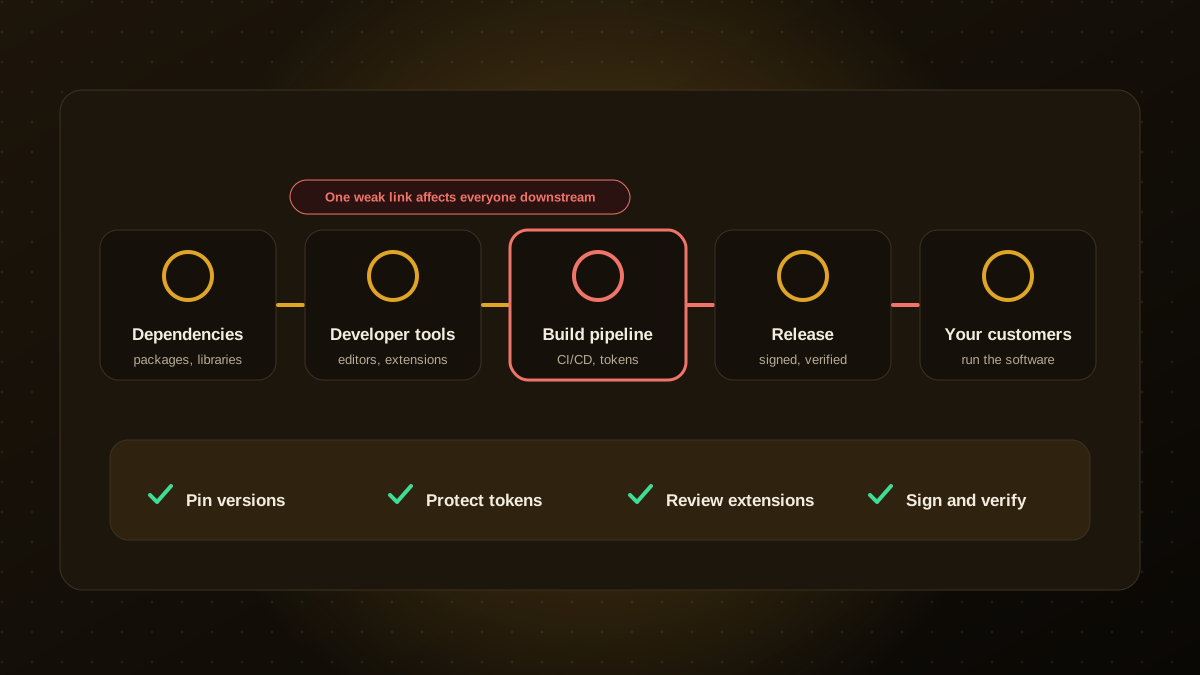
- Developer tools and dependencies. See our guide to supply chain security.
- Phones and laptops used for work. Enforce updates through device management where you can.
- Third-party and SaaS tools. The vendor patches the service, but you still need to update connected apps and remove old accounts.
Make it routine and share the load
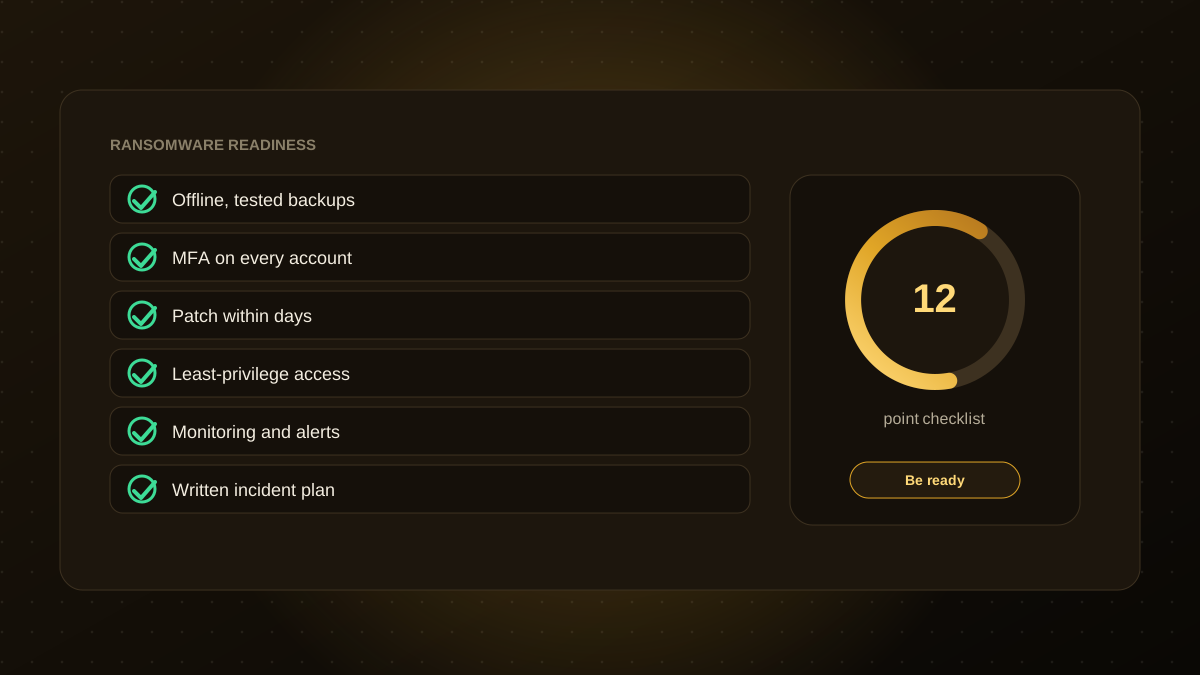
Patching works best as a small, regular habit with a named owner, not a heroic effort after an incident. Pair it with backups you have tested, multi-factor authentication and the other controls in our ransomware readiness checklist. If you do not have the time or staff, our website maintenance and security plans cover updates, testing and monitoring for your sites and applications. This article is general information, not advice for your specific systems.

Qodexify is a remote-first team of senior engineers building web apps, AI agents, workflow automation and websites. Learn more about our website maintenance and security service or talk to an engineer.