Key takeaways
- Zero trust is a mindset: verify every request using identity, device health and context, and grant only the access needed.
- It replaces the old idea of a trusted office network with checks on every access.
- You can start without new products: enforce multi-factor authentication, single sign-on and least privilege.
- Protect the most valuable systems and data first, then widen the approach.
- It is a journey of small, steady improvements, not a product you buy once.
What zero trust means
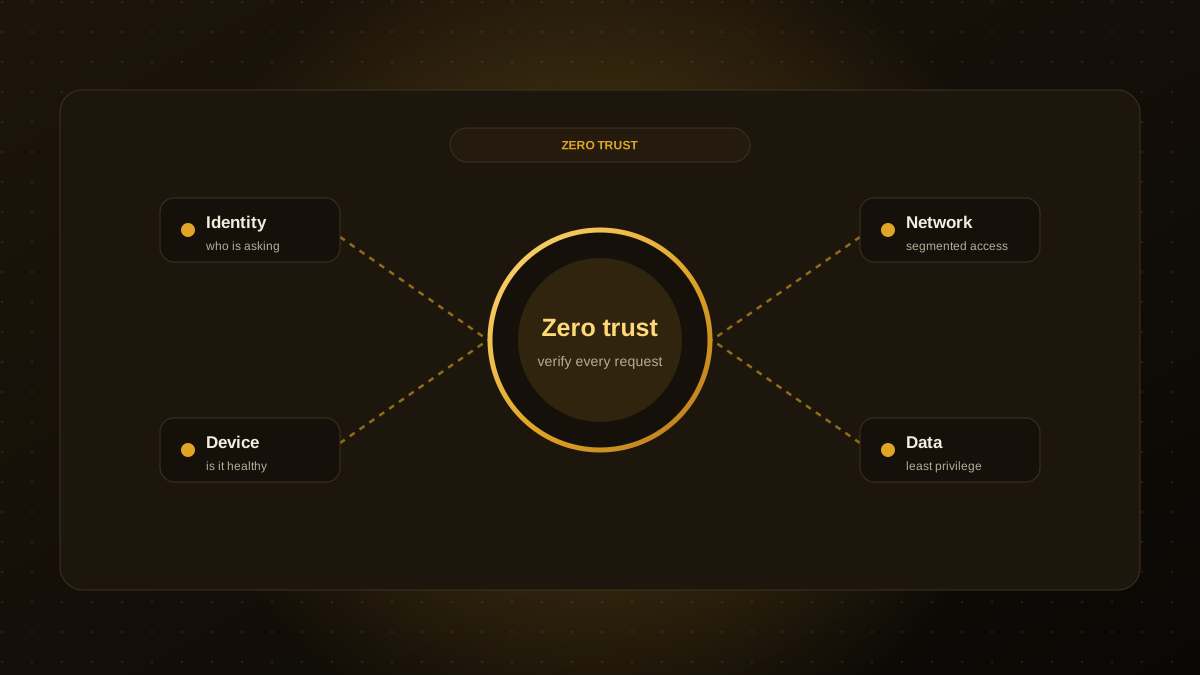
Traditional security assumed that anything inside the office network could be trusted, and defences focused on the perimeter. With remote work, cloud services and stolen credentials, that perimeter has largely disappeared. Zero trust flips the assumption: never trust by default, always verify. Every request is checked against who is asking, from what device, in what context and for which resource.
The core principles
- Verify explicitly. Authenticate and authorise every access using all available signals.
- Use least privilege. Give people and services the minimum access they need, for the minimum time.
- Assume breach. Design so that a compromised account or device has limited reach, and so that you can detect and contain problems quickly.
Four building blocks
| Pillar | What to do first |
|---|---|
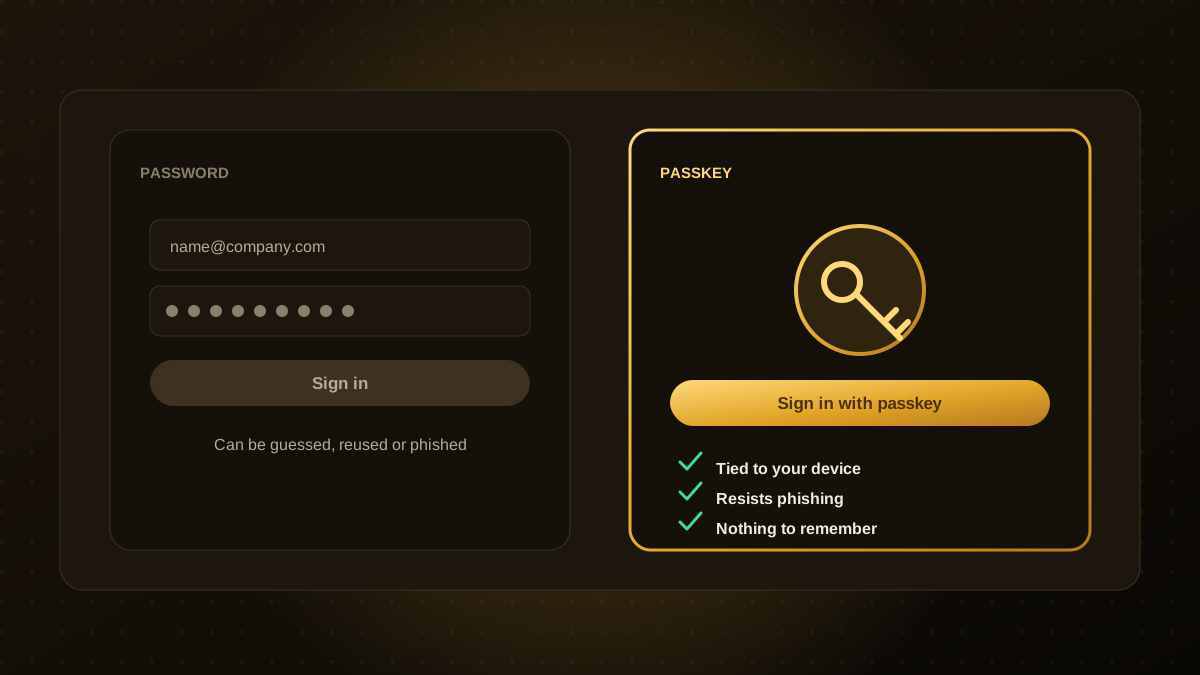
| Identity | Multi-factor authentication for everyone, single sign-on, phishing-resistant sign-in such as passkeys, and quick account removal when people leave |
| Devices | Keep an inventory, require updates, encrypt disks and block unmanaged devices from sensitive apps |
| Network | Stop treating the office network as trusted. Use per-app access and segment important systems |
| Data and apps | Classify what matters, restrict access by role, log access and encrypt data in transit and at rest |
A step-by-step starter plan
- List your crown jewels. Customer data, finance, source code, admin consoles.
- Turn on MFA for every account that touches them, starting with email and admin access.
- Adopt single sign-on so access can be granted and removed in one place.
- Remove standing admin rights. Use separate admin accounts and approve elevated access when needed.
- Review access quarterly and delete what is unused.
- Check device health before allowing access to sensitive apps.
- Log and alert on risky sign-ins and unusual access.
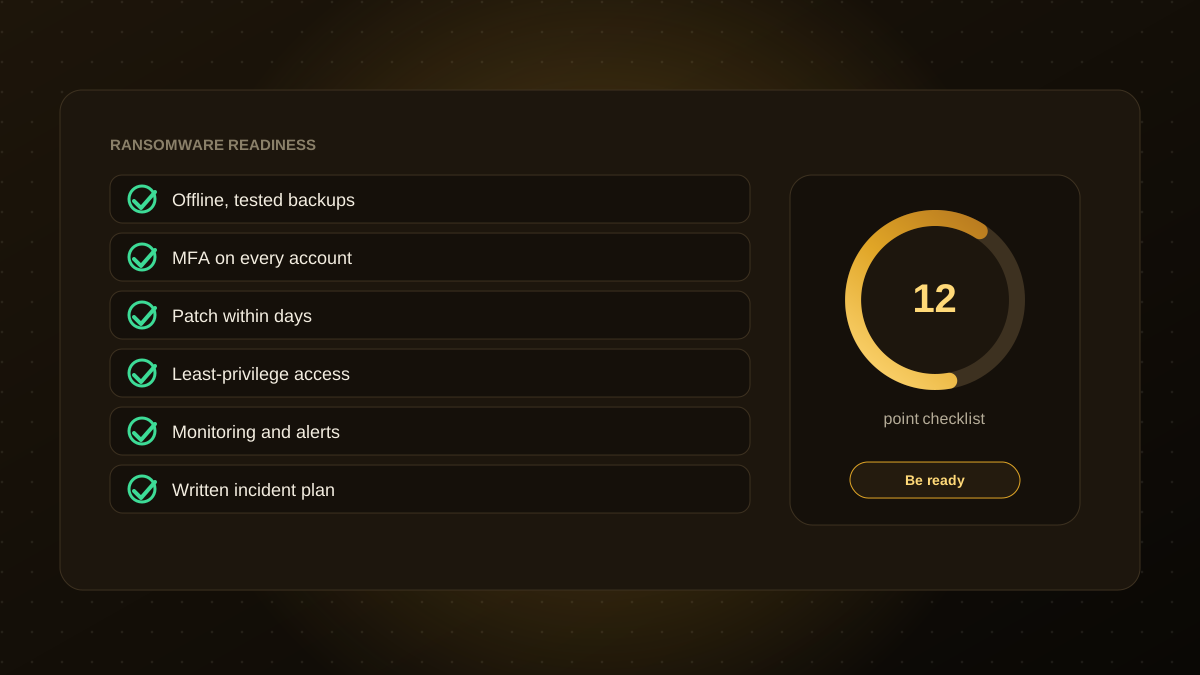
- Practise containment. Know how to disable an account or isolate a device quickly. See also our ransomware readiness checklist.
Common mistakes
- Buying a product labelled "zero trust" and assuming the job is done.
- Trying to change everything at once, then stalling.
- Ignoring usability. If security is painful, people work around it.
- Forgetting service accounts, API keys and automation, which also need least privilege.
- Leaving old accounts and access in place after staff or suppliers change.
Where to go next
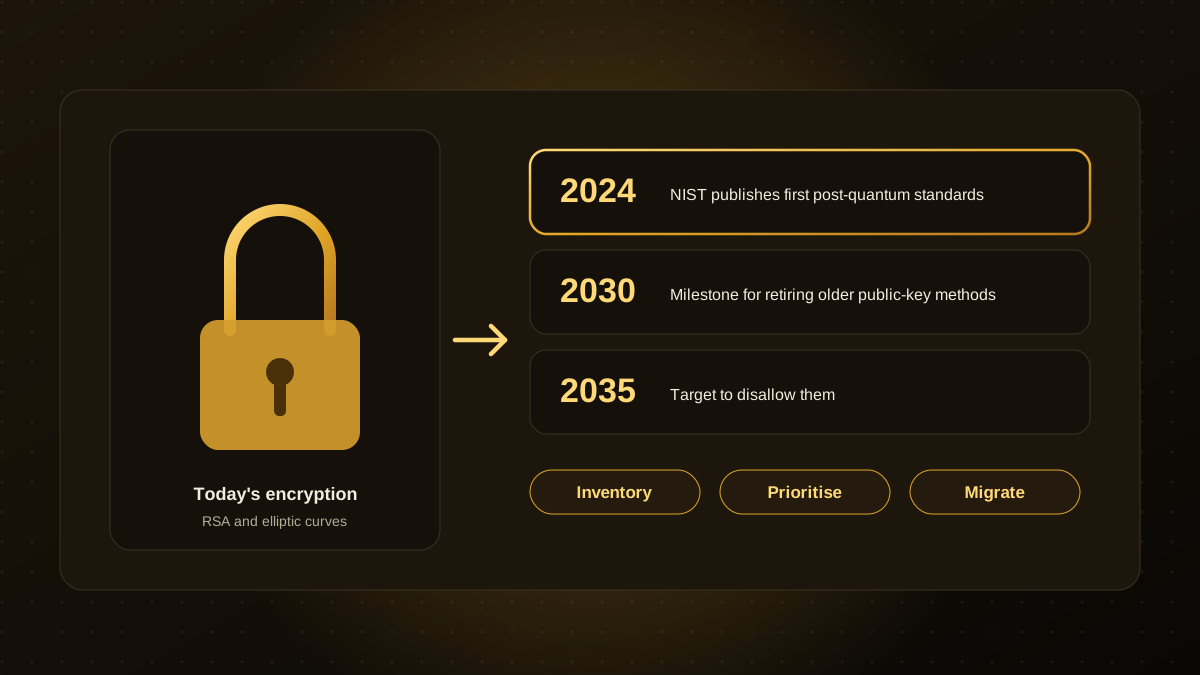
Treat zero trust as a roadmap: pick the biggest risk, fix it and move on. Longer-term topics such as post-quantum cryptography build on the same inventory and discipline. If you would like a practical review of your identity, access and monitoring set-up, our website maintenance and security team can help. This article is general information, not security advice for your specific systems.

Qodexify is a remote-first team of senior engineers building web apps, AI agents, workflow automation and websites. Learn more about our website maintenance and security service or talk to an engineer.