Key takeaways
- A software supply chain attack compromises something you depend on, such as a package, an editor extension, a build token or a vendor, rather than attacking you directly.
- October 2026 saw several reported incidents of this kind, including a tampered developer-tool extension and a release built with stolen publishing tokens.
- The strongest defences are simple: pin versions, protect secrets and tokens, limit permissions and review what you install.
- Treat your build pipeline and developer machines as production systems.
- Keep an inventory of dependencies and a plan for revoking and rotating credentials fast.
What a supply chain attack is
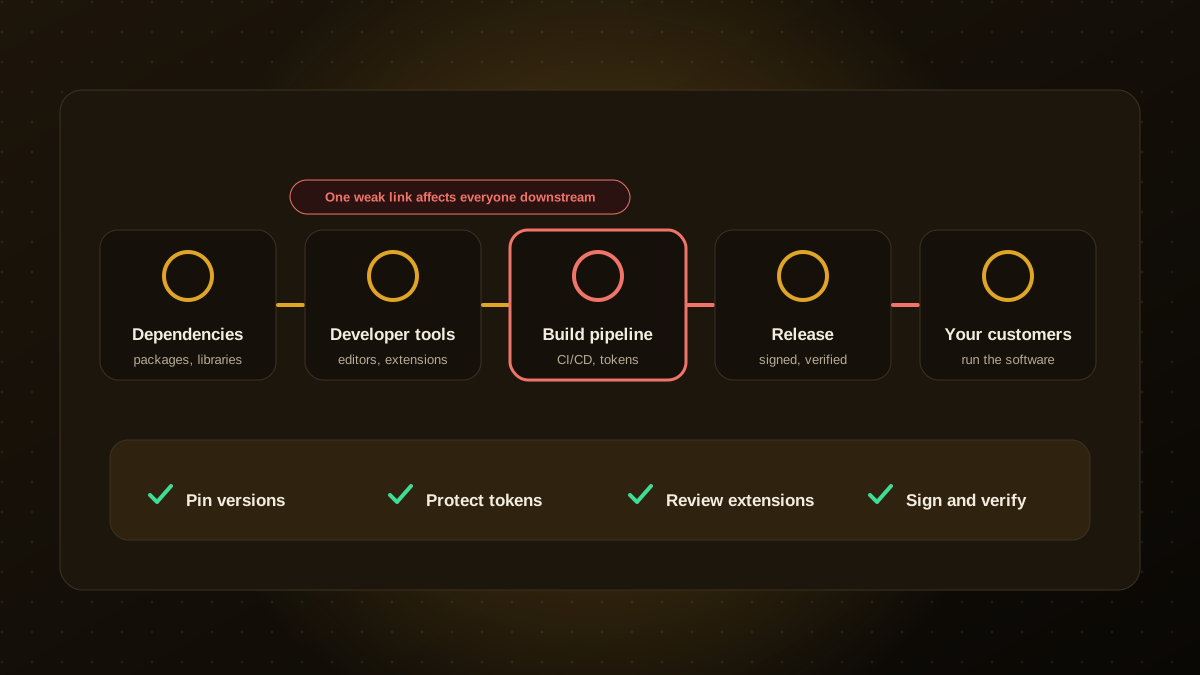
Modern software is assembled from hundreds of pieces: open-source packages, container images, editor extensions, build services and third-party vendors. A supply chain attack compromises one of those pieces so that the attacker's code reaches you, and everyone else who uses it, through a trusted channel. It is efficient for attackers because one successful compromise can reach thousands of targets.
Security roundups from October 2026, including those from SafeDep and Cybersecurity News, describe several: a tampered extension in a developer-tool marketplace, a package release built after attackers used stolen GitHub tokens, and hijacked automation workflows that sent secrets to an attacker. Details differ between sources and were still being confirmed, but the pattern is clear.
Ten controls that reduce the risk
- Pin and lock dependencies. Use lockfiles and exact versions so a new, malicious release is not pulled in automatically.
- Delay adopting brand-new releases. A short waiting period, such as a few days, lets the community spot problems first, except for urgent security fixes.
- Protect publishing and deployment tokens. Use short-lived credentials, scope them narrowly and never store them in code.
- Turn on multi-factor authentication for source control, package registries, cloud accounts and email, ideally with passkeys or hardware keys.
- Harden CI/CD workflows. Limit what pipeline jobs can access, require reviews for workflow changes and pin third-party actions to specific versions.
- Review editor extensions and plugins. Install only what you need, from publishers you trust, and keep an approved list for the team.
- Scan for known vulnerabilities and suspicious packages automatically in every build.
- Use least privilege everywhere. Build jobs, bots and developer accounts should have only the access they need.
- Sign and verify releases where tooling supports it, so you can confirm what you deploy is what you built.
- Keep an inventory and an incident plan. Know what you depend on, and rehearse how you would revoke tokens, roll back and rotate secrets within hours.
Do not forget the human and AI tooling layer
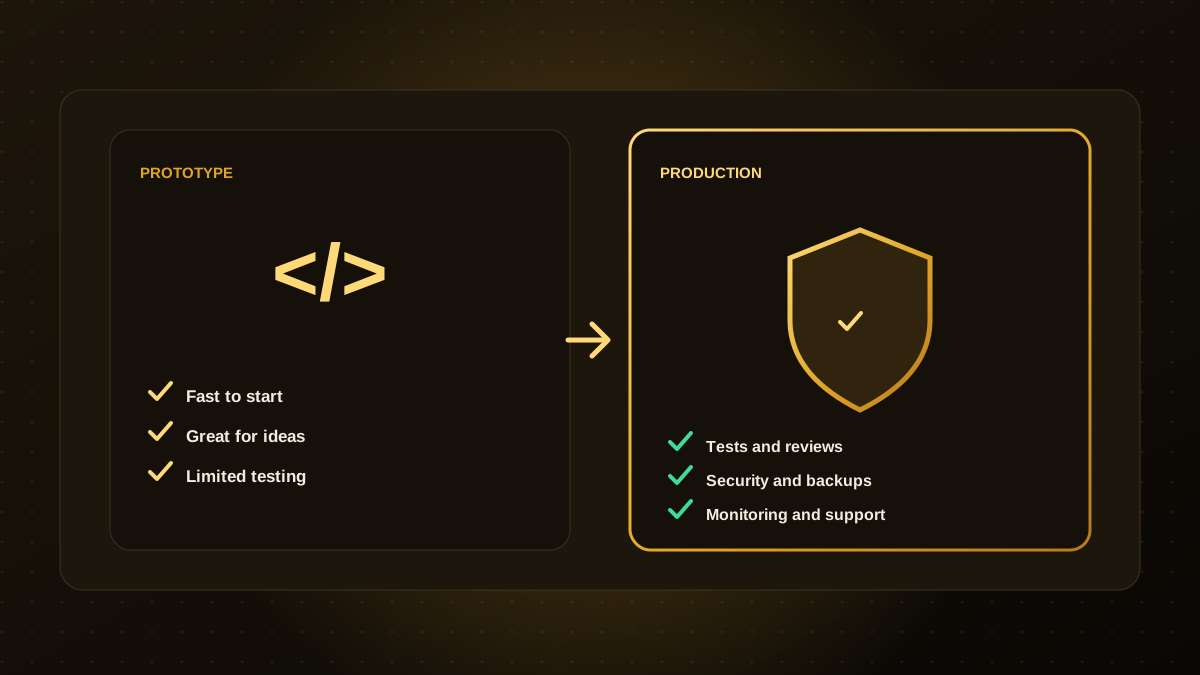
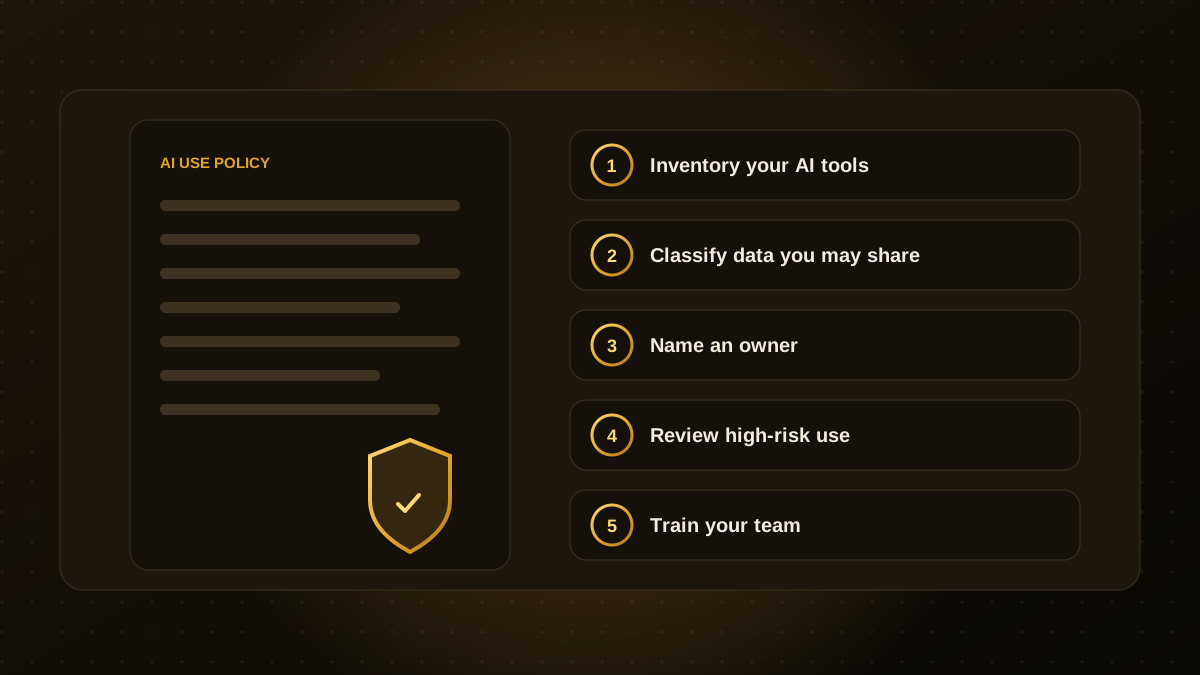
Developer laptops, browser extensions and AI coding tools now sit inside the supply chain. They read your code, hold credentials and can run commands. Apply the same rules to them: managed devices, up-to-date software, approved tools and no long-lived secrets in local files. Our guides on AI governance and vibe coding versus production software cover the policy side.
How to respond when something is compromised
- Identify which systems used the affected package, extension or token.
- Revoke and rotate every credential that could have been exposed, starting with publishing and cloud keys.
- Roll back to a known good version and rebuild from a clean environment.
- Review logs for unusual access and unexpected releases.
- Tell affected customers promptly and honestly, and write down what you learn.
If you would like a practical review of your dependencies and pipelines, our web app development team can audit them and give you a prioritised fix list.

Qodexify is a remote-first team of senior engineers building web apps, AI agents, workflow automation and websites. Learn more about our web app development service or talk to an engineer.