Key takeaways
- Ransomware encrypts or steals your data and demands payment. Small businesses are common targets because defences are often thin.
- Reliable, offline, tested backups are the single most important protection.
- Most attacks start with stolen credentials, phishing or unpatched systems, so multi-factor authentication and fast patching matter.
- Limit what each account can reach so one compromise does not become total.
- Have a written response plan, and practise it before you need it.
How ransomware works
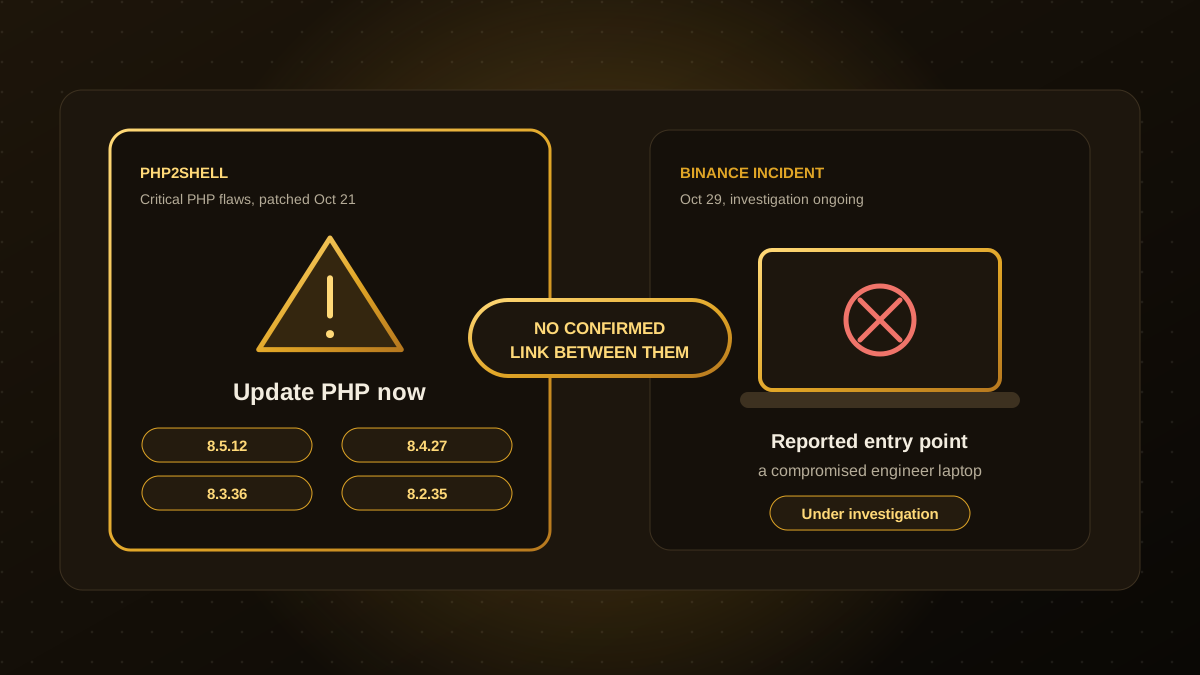
Attackers get in, often through a phished password, an exposed remote-access service or an unpatched server, such as the kind of flaws discussed in our article on PHP2Shell. They move through your network, steal copies of data and then encrypt files and demand payment for the key, and sometimes threaten to publish what they took. Preparation reduces both the chance of an attack succeeding and the damage if it does.
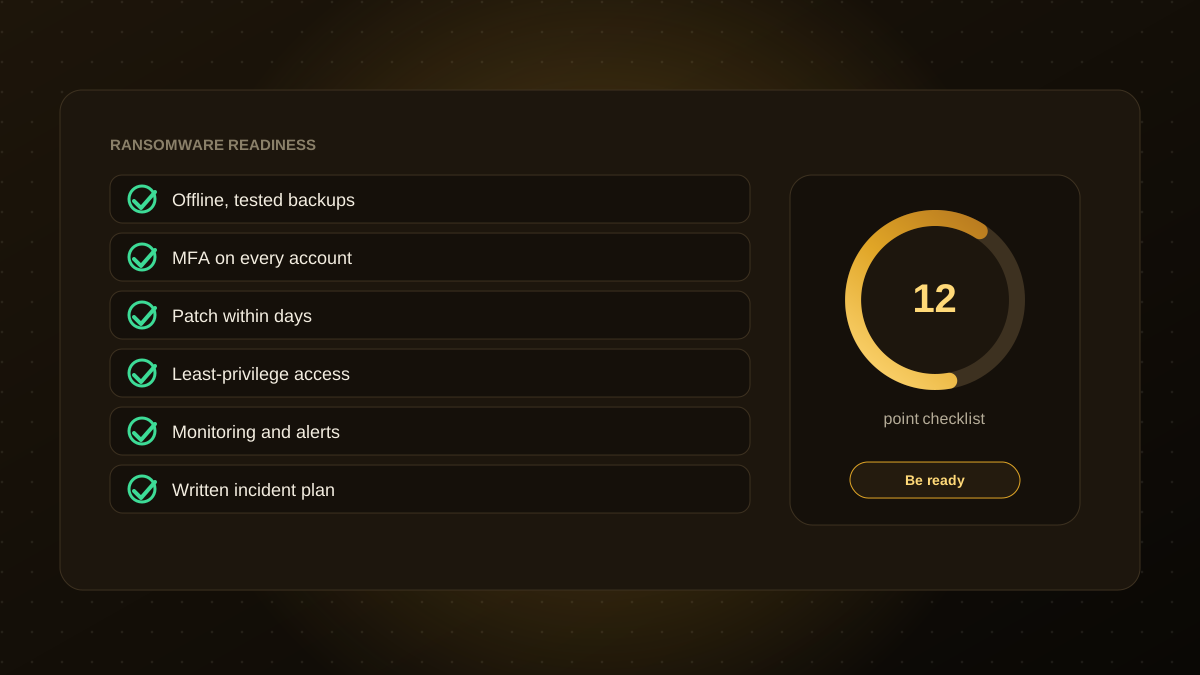
The 12-point checklist
- Back up regularly to at least one copy that is offline or immutable, so attackers cannot delete it.
- Test restores on a schedule. A backup you have never restored is a hope, not a plan.
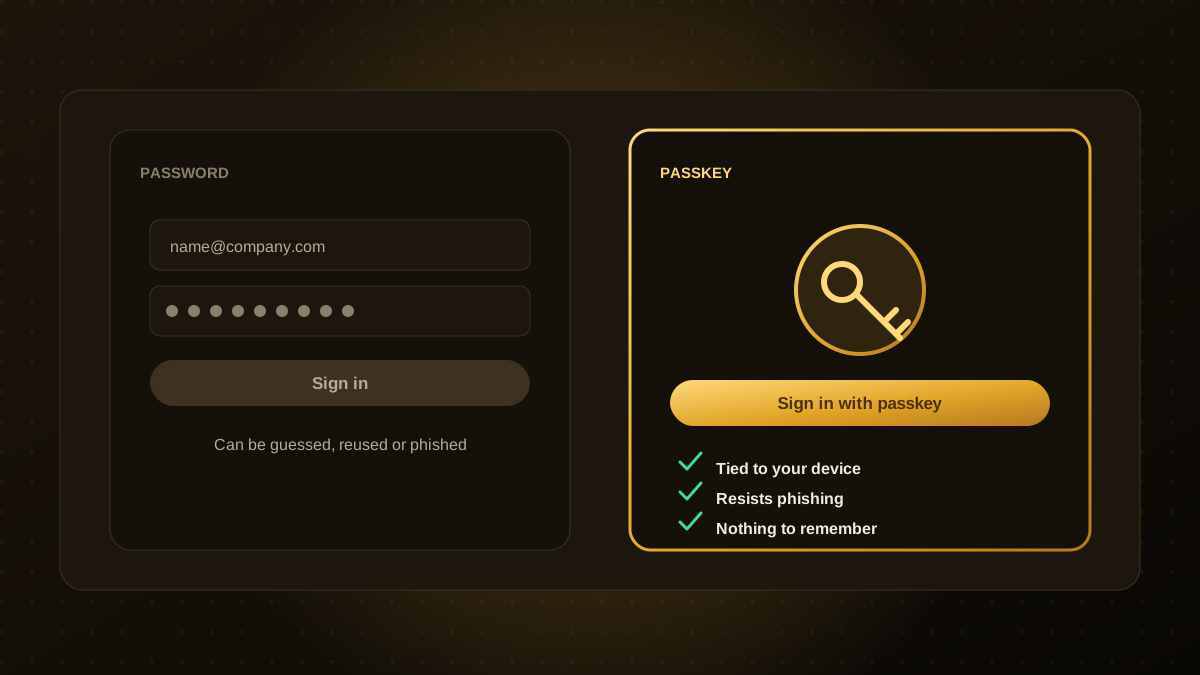
- Turn on multi-factor authentication everywhere, especially email, remote access, cloud consoles and admin accounts. Prefer passkeys or hardware keys.
- Patch quickly. Prioritise internet-facing systems and critical fixes, and retire software that no longer gets updates.
- Remove unnecessary exposure. Close remote-desktop ports to the internet and use a VPN or access gateway.
- Use least privilege. Staff should not run daily work as administrators, and shared accounts should be avoided.
- Segment your network and data so one infected machine cannot reach everything.
- Protect endpoints with up-to-date security software and enable automatic updates.
- Filter email and train staff to spot phishing, with a simple way to report suspicious messages.
- Monitor and alert on unusual logins, mass file changes and new administrator accounts.
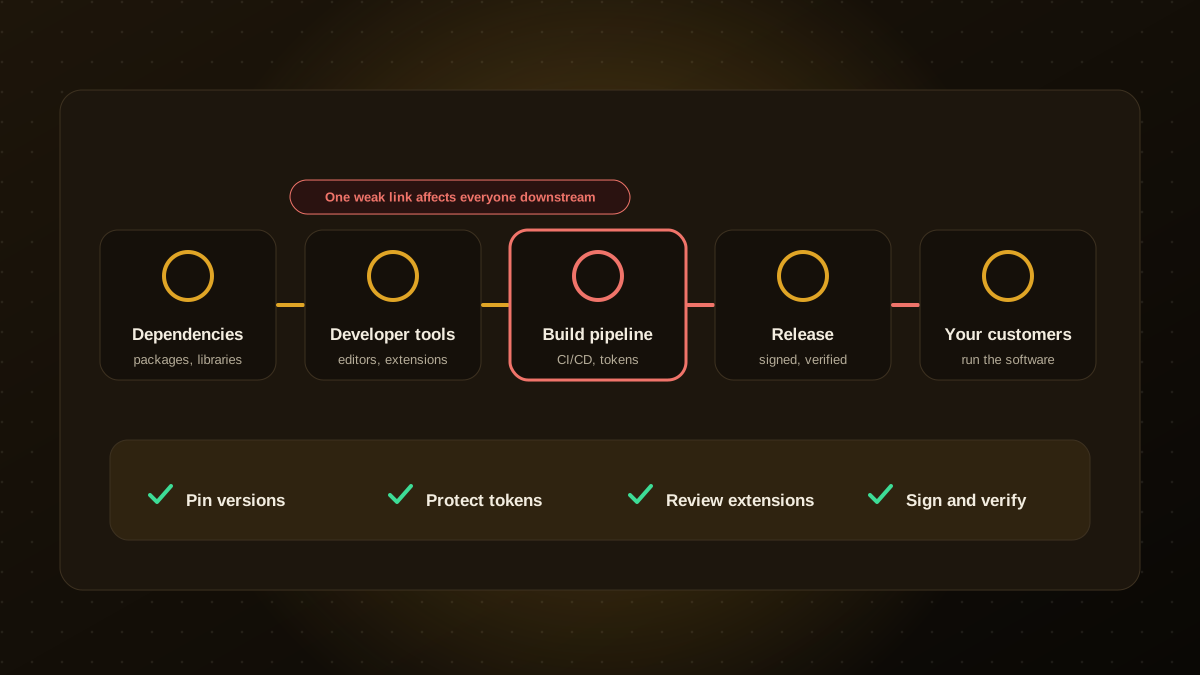
- Know your vendors and tools. Review the access you give suppliers, and keep an eye on supply chain risks.
- Write and rehearse an incident response plan: who decides, who to call, how to isolate systems and how to communicate.
If you are hit
- Isolate affected machines from the network immediately, but do not turn them off if you have forensic help guiding you.
- Activate your plan and contact your IT provider, insurer and, where required, authorities and regulators.
- Preserve evidence and logs.
- Restore from clean backups after you have found and closed the way in.
- Reset credentials and review every account and remote-access path.
- Seek expert and legal advice before considering any payment. Payment does not guarantee recovery.
Make it routine
Review this checklist each quarter and after any significant change. Many small businesses do not have in-house security staff, so consider a managed service that patches, monitors and tests backups for you. Our website maintenance and security team can help with websites and web applications. This article is general information, not security advice for your specific systems.

Qodexify is a remote-first team of senior engineers building web apps, AI agents, workflow automation and websites. Learn more about our website maintenance and security service or talk to an engineer.