Key takeaways
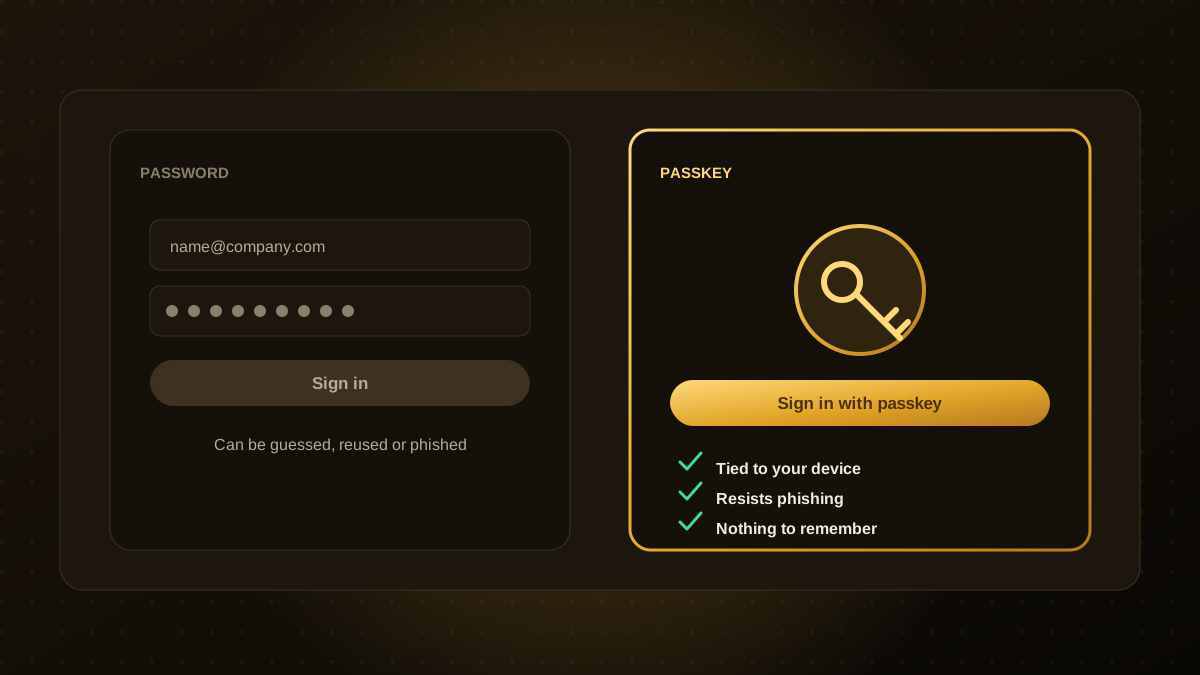
- A passkey is a cryptographic credential stored on a user's device or in a password manager, unlocked with a fingerprint, face scan or device PIN.
- Passkeys are tied to your website's domain, so they cannot be handed over to a fake site, which makes them resistant to phishing.
- Offer passkeys alongside existing sign-in methods first, then move users over gradually.
- Account recovery is the hardest part to get right. Plan it before you launch.
- Support is built into major browsers and operating systems and uses the open WebAuthn standard.
What a passkey is
When someone creates a passkey for your site, their device generates a pair of keys. The private key stays on the device, protected by the device's unlock method. The public key is stored by your service. To sign in, the device proves it holds the private key, usually after a quick fingerprint or face check. There is no password to type, remember, reuse or leak from your database.
Passkeys are built on the FIDO and WebAuthn standards and are supported by major browsers, phones and password managers.
Why they matter
- Phishing resistance. The credential only works on the real domain, so a lookalike page cannot capture it.
- No shared secrets to steal. A breach of your user database does not expose reusable passwords.
- Faster sign-in. Fewer steps and fewer forgotten-password requests, which often reduces support load.
- Stronger security by default. Many users reuse weak passwords or skip optional two-factor authentication. Passkeys deliver strong authentication in a single step.
The FIDO Alliance publishes research on adoption, and its 2026 World Passkey Day report describes growing consumer and enterprise use. Many other adoption statistics come from vendors, so check them against primary sources.
What to plan for
- Account recovery. If a user loses every device and has no synced passkey, how do they regain access? Decide on a secure recovery path, such as verified email plus another factor, and make it hard to abuse.
- Device and platform variety. Users move between phones, laptops and shared computers. Support cross-device sign-in and keep a fallback.
- Sessions and risky actions. A passkey signs people in. You may still want step-up checks for sensitive actions such as changing payout details.
- Support and communication. Explain clearly what a passkey is, using plain language.
A rollout plan that works
- Add passkeys as an option beside your current login, with a prompt after a successful sign-in: "Sign in faster next time".
- Measure adoption, sign-in success and support tickets.
- Make passkeys the default for new accounts once the experience is smooth.
- Reduce reliance on passwords over time, while keeping a secure recovery route.
- Protect staff first. Moving employees and admin accounts to passkeys or hardware security keys removes a major attack path.
Build or buy?
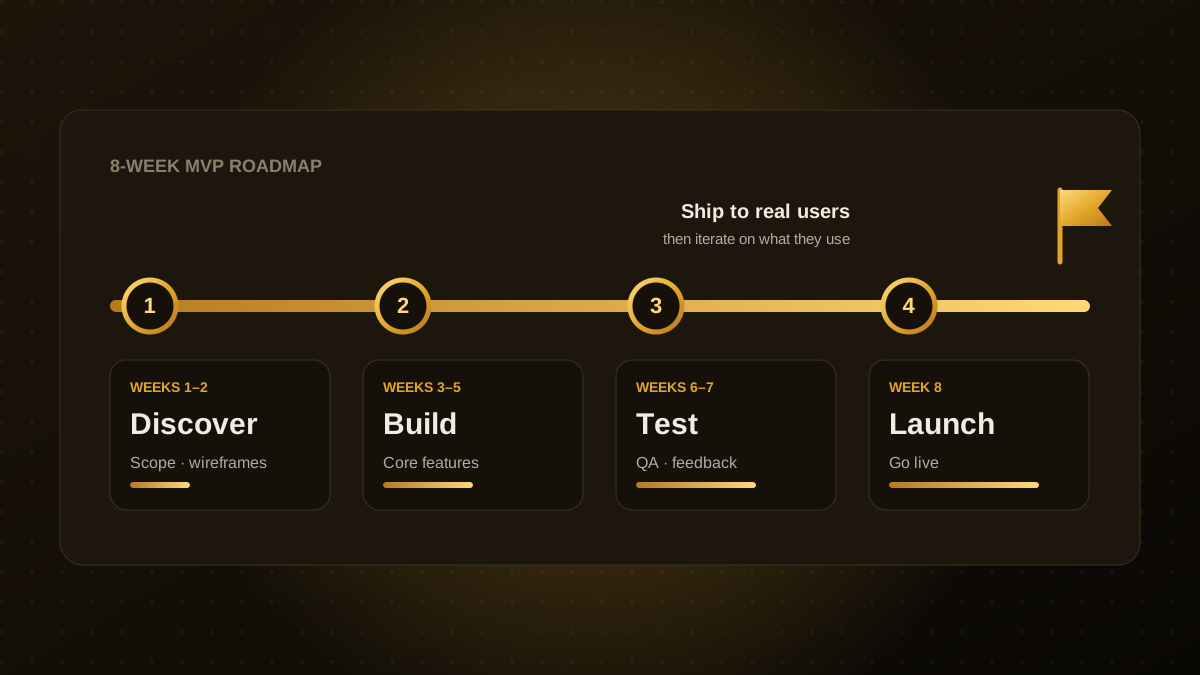
You can implement WebAuthn yourself with well-maintained libraries, or use an authentication provider that handles passkeys, recovery and sessions for you. For most products, a mature provider or library is safer than writing the cryptography and edge cases from scratch. Whichever you choose, design authentication into the product from the start, as we recommend in our 8-week MVP plan. If you want help adding passkeys to an existing app, our web app development team can scope it.

Qodexify is a remote-first team of senior engineers building web apps, AI agents, workflow automation and websites. Learn more about our web app development service or talk to an engineer.