Key takeaways
- Language model costs depend mostly on how many tokens you send and receive and which model you use.
- Measure first: find which features, users and prompts drive the bill before optimising.
- Route simple tasks to smaller, cheaper models and keep the most capable model for hard cases.
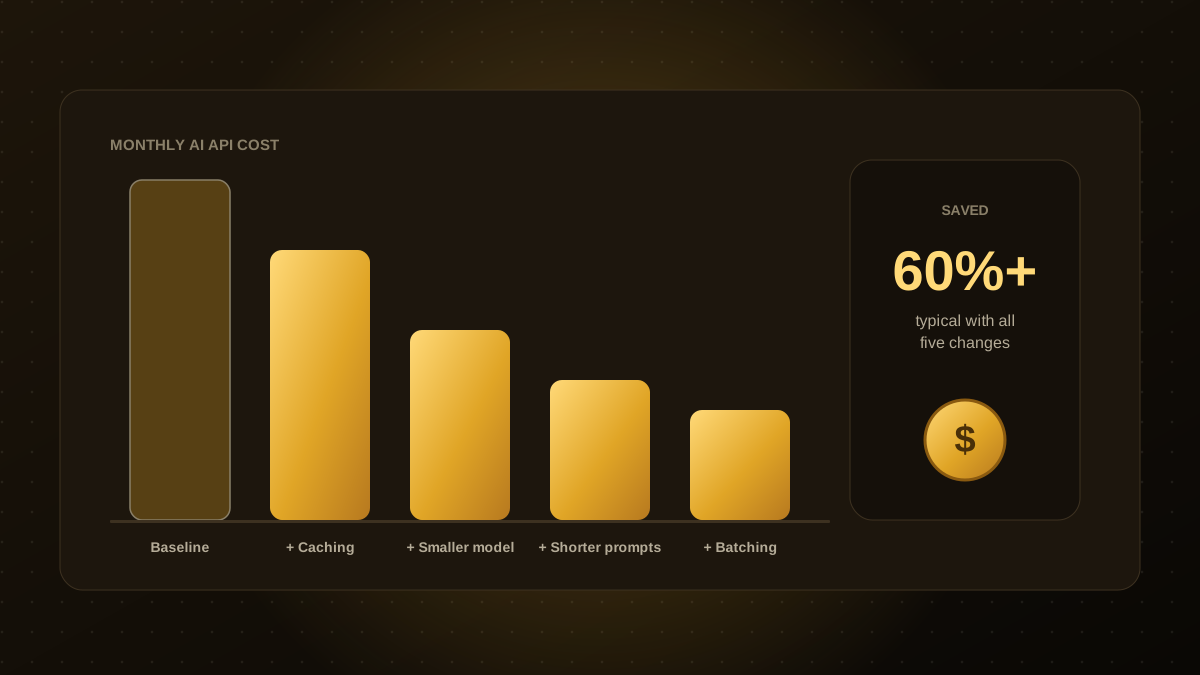
- Caching, shorter prompts, limits on output length and batching often deliver large savings with little quality loss.
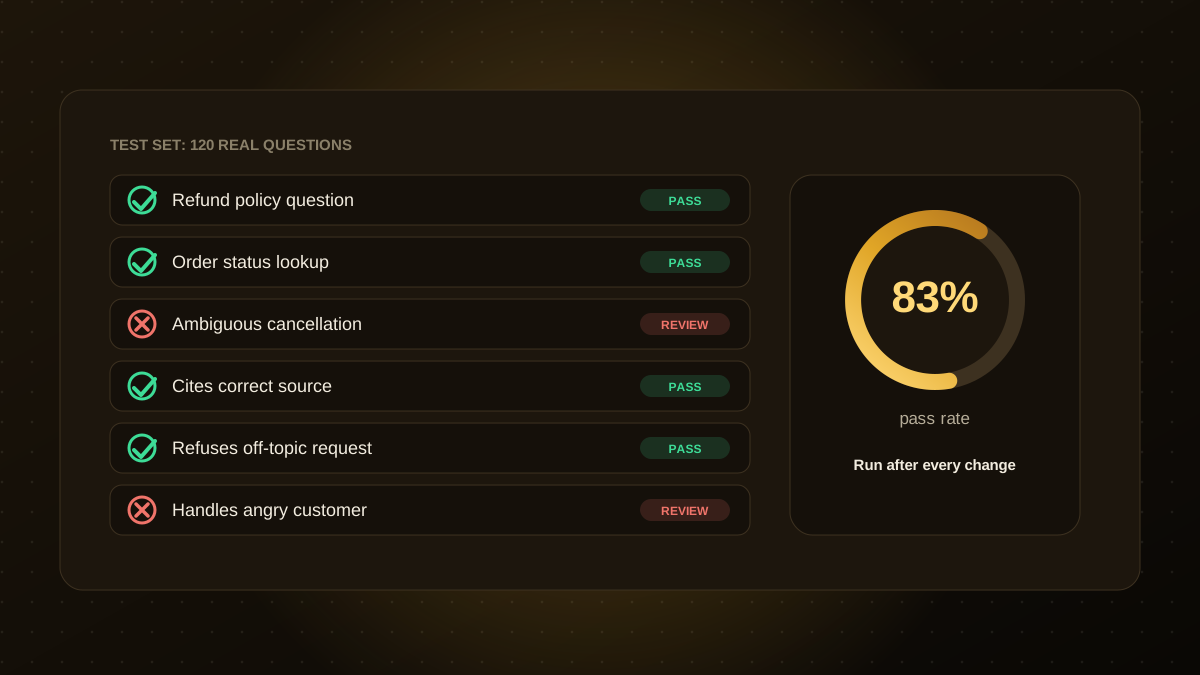
- Re-run your evaluation set after every change, so savings do not quietly reduce quality.
Why costs grow
Most AI providers charge by tokens, which are small chunks of text, for both what you send in and what the model writes back. A prototype used by five people looks cheap. The same app with thousands of users, long conversations and large documents attached to every request can become a significant monthly expense. The good news is that costs are very controllable once you know where they come from.
1. Measure before you optimise
Log tokens, model, feature and cost for every request. Break the totals down by feature and by customer. You will usually find that a small number of prompts or users account for most of the spend, and those are where to focus.
2. Use the right model for each job
Not every task needs the most capable and expensive model. Classification, extraction, routing and short answers are often handled well by smaller, cheaper models. Use a simple router: start with the smaller model and escalate to the larger one only when confidence is low or the task is complex.
3. Cache what repeats
- Response caching for identical or near-identical questions, such as common FAQs.
- Prompt caching offered by many providers, which reduces the cost of long, repeated instructions or documents at the start of a prompt.
- Embedding caching so you do not recompute vectors for unchanged content.
4. Shorten prompts and context
Trim instructions, remove unused examples and send only the passages that matter. In retrieval systems, fetch fewer, better-ranked chunks instead of dumping whole documents into the prompt. Summarise long conversation history rather than resending every message.
5. Limit output length
Ask for concise answers and set maximum output lengths. Structured outputs, such as short JSON fields, are cheaper than long prose when the result is going to another system rather than a person.
6. Batch and schedule non-urgent work
Tasks that do not need an instant answer, such as summarising yesterday's tickets or enriching a lead list, can be batched and run off-peak. Some providers offer lower prices for batch processing.
7. Set budgets and alerts
Put hard limits on spend per day, per user and per workflow, and alert when usage spikes. This also protects you from runaway loops in agents, as described in our AI agent guardrails.
8. Protect quality while you save
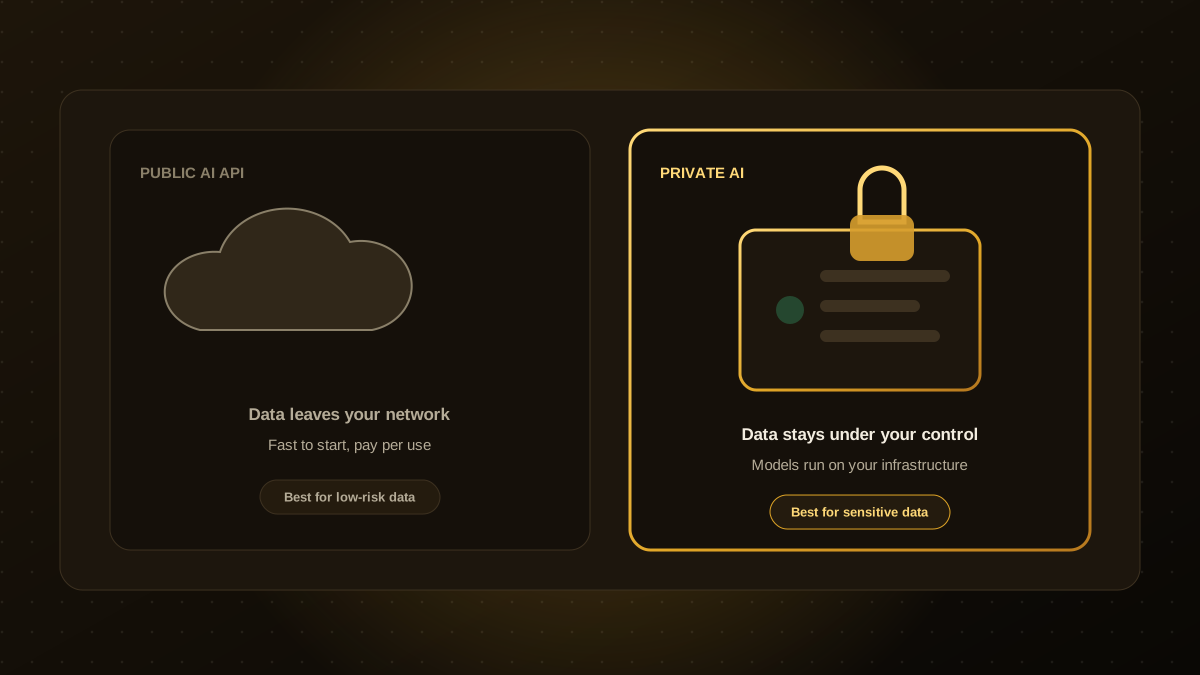
Every cost change can affect answers. Keep a test set of real questions and re-run it after each change, as explained in our guide to evaluating AI agents. For very high volumes or sensitive data, it may also be worth comparing hosted APIs with running models yourself.
Not sure where your AI spend is going? Our AI agent development team can audit your usage and recommend the changes with the biggest effect.

Qodexify is a remote-first team of senior engineers building web apps, AI agents, workflow automation and websites. Learn more about our AI agent development service or talk to an engineer.