Key takeaways
- An agent that can send emails, change records or spend money needs the same controls you would apply to a new employee with system access.
- Give agents the minimum permissions they need and start read-only before allowing write actions.
- Require human approval for actions that are hard to undo, expensive or customer-facing.
- Treat all text the agent reads, such as emails and web pages, as untrusted data that may contain hidden instructions.
- Log every step, set limits on spend and loops, and test with real scenarios before launch and after every change.
Why agents need guardrails
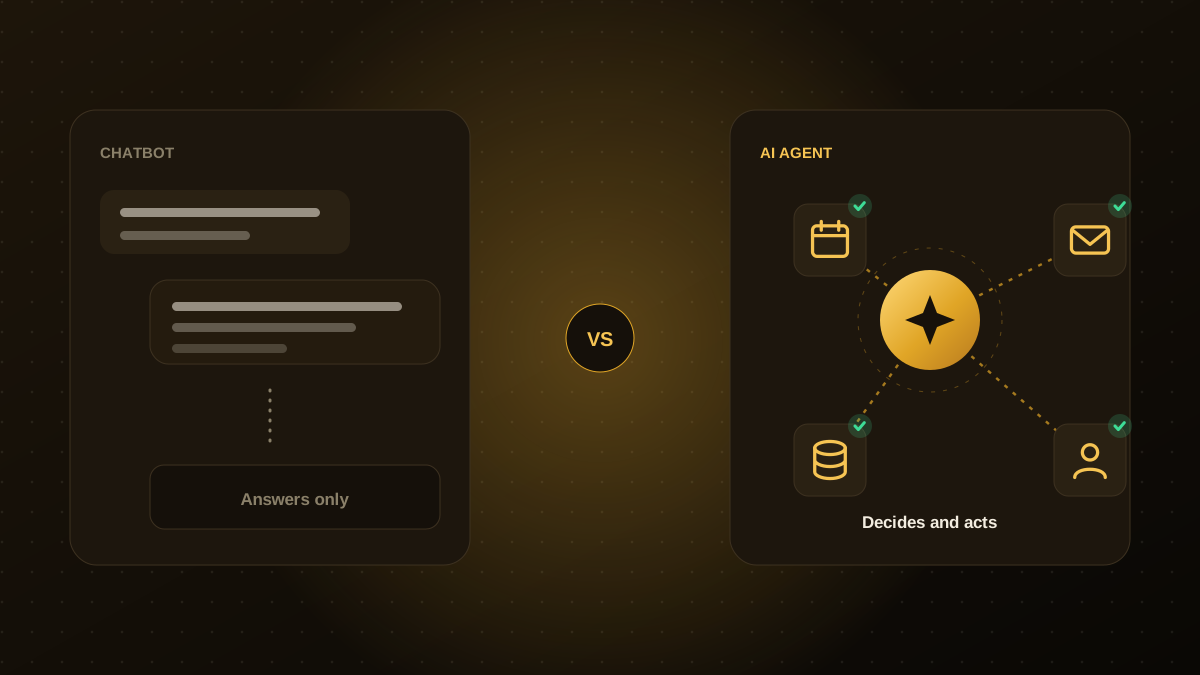
A chatbot that answers a question wrongly is an annoyance. An agent that takes the wrong action, such as refunding the wrong order, emailing the wrong customer or deleting a record, causes real damage. Because agents act on your systems, security and reliability have to be designed in from the start rather than added later.
The good news is that most of the risk can be managed with a small set of well-understood controls. These seven are the ones we set up on every agent project.
1. Give the agent least-privilege access
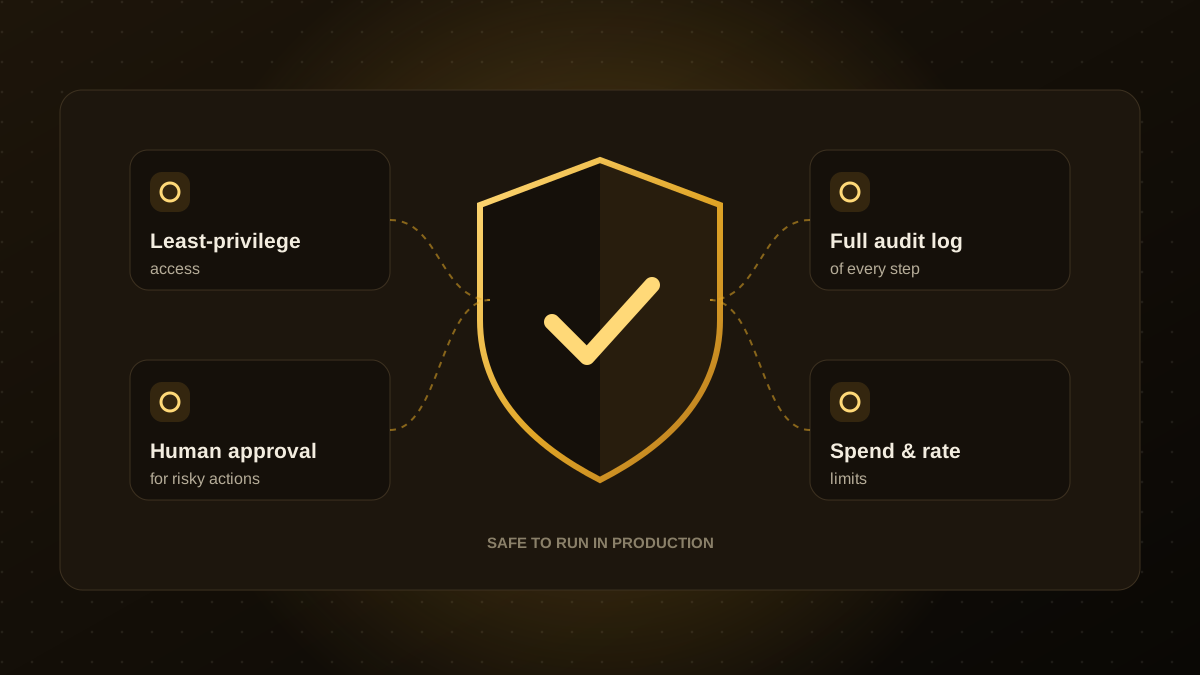
Create a dedicated service account for the agent and grant only the permissions its job requires. If it needs to read orders and draft replies, it should not have access to payroll or the ability to delete customers. Scope API keys narrowly, store them in a secrets manager, and rotate them on a schedule.
A useful rule: start with read-only access. Add write actions one at a time, only after the agent has proven reliable at the read-only version of the task.
2. Require human approval for high-impact actions
Decide in advance which actions the agent may take on its own and which need a person to approve. A simple test is whether the action is reversible, costly or visible to customers. Drafting a reply is low risk. Sending a refund over a set amount, changing a contract or contacting a customer for the first time deserves a human check.
Approval does not have to slow things down. Present the agent's proposed action with its reasoning and source data so the reviewer can approve in one click.
3. Treat everything the agent reads as untrusted
Agents read emails, documents, web pages and tickets. Any of these can contain text written to manipulate the agent, a technique known as prompt injection. For example, an email might include a line telling the agent to forward confidential files.
- Keep instructions from your system separate from content the agent is reading.
- Limit which tools the agent can call while it is processing untrusted content.
- Never let the agent follow instructions found inside documents or messages without validation.
- Validate the agent's outputs before they trigger actions, for example by checking that an email address belongs to a known contact.
4. Respect data permissions
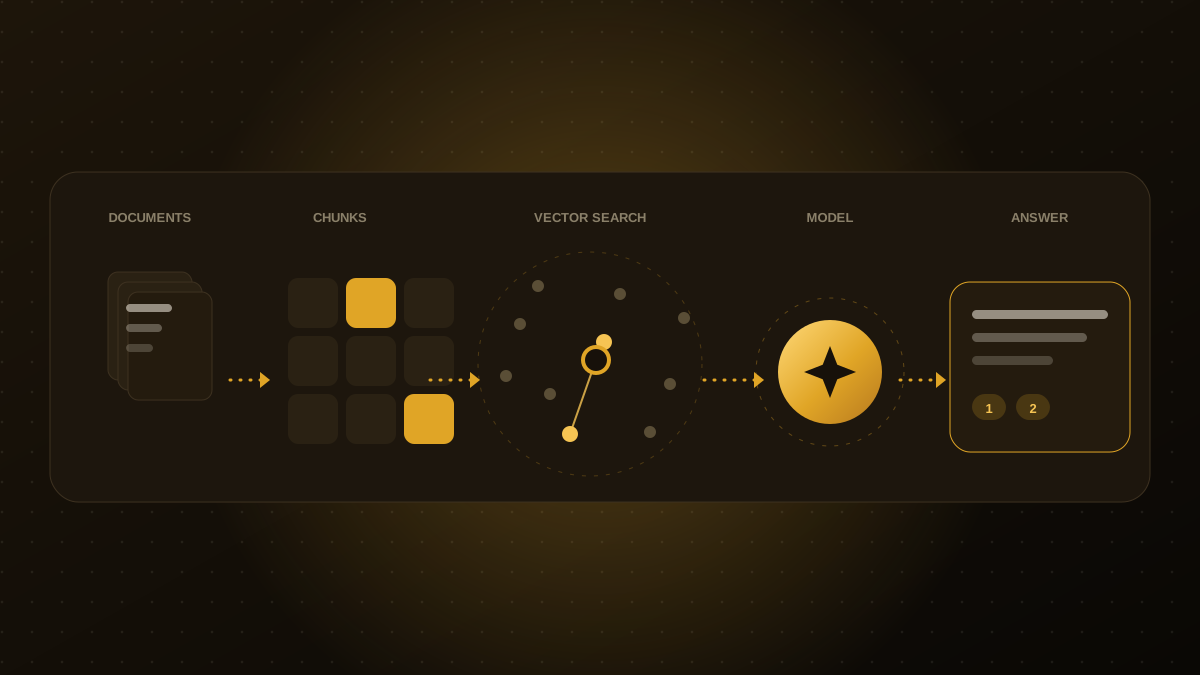
If an agent searches company knowledge, it must respect who is allowed to see what. Apply the requesting user's permissions at retrieval time so the agent cannot surface a confidential document to someone who could not open it themselves. Also decide what personal data may be sent to external model providers and check the provider's data-handling terms.
5. Log everything and make it reviewable
Record each step: the input, the tools called, the data used, the output and who approved it. Good logs let you investigate incidents, explain a decision to a customer, improve prompts and prove compliance. Store logs securely and keep sensitive fields masked where possible.
6. Set hard limits
Agents can loop, retry endlessly or run up costs. Put ceilings in place:
- Maximum number of steps or tool calls per task.
- Rate limits on emails, API calls and database writes.
- Daily and monthly spend limits on model usage.
- A kill switch that pauses the agent immediately.
7. Test, monitor and re-test
Build a test set of real scenarios, including tricky and adversarial ones, and run it before launch and after every change to the model, prompts or tools. In production, watch for failures, unusual behaviour and drift, and review a sample of conversations each week. An agent is a living system and needs ongoing care, not a one-time sign-off.
| Risk | Guardrail |
|---|---|
| Agent does too much | Least-privilege access, read-only first |
| Costly or irreversible mistakes | Human approval, spend and rate limits |
| Hidden instructions in content | Untrusted-input handling, output validation |
| Data exposure | Permission-aware retrieval, masked logs |
| Unexplained behaviour | Full audit logging, regular reviews |

Qodexify is a remote-first team of senior engineers building web apps, AI agents, workflow automation and websites. Learn more about our AI agent development service or talk to an engineer.