Key takeaways
- A multi-agent system uses several specialised AI agents, often coordinated by an orchestrator, instead of one agent doing everything.
- It helps when a task has distinct stages, needs different tools or knowledge, or benefits from independent checking.
- It adds cost, latency and complexity, so many tasks are better served by a single well-designed agent.
- Define clear roles, narrow tools and explicit handoffs, and keep a human in the loop for consequential decisions.
- Measure the system end to end. More agents do not automatically mean better results.
What a multi-agent system is
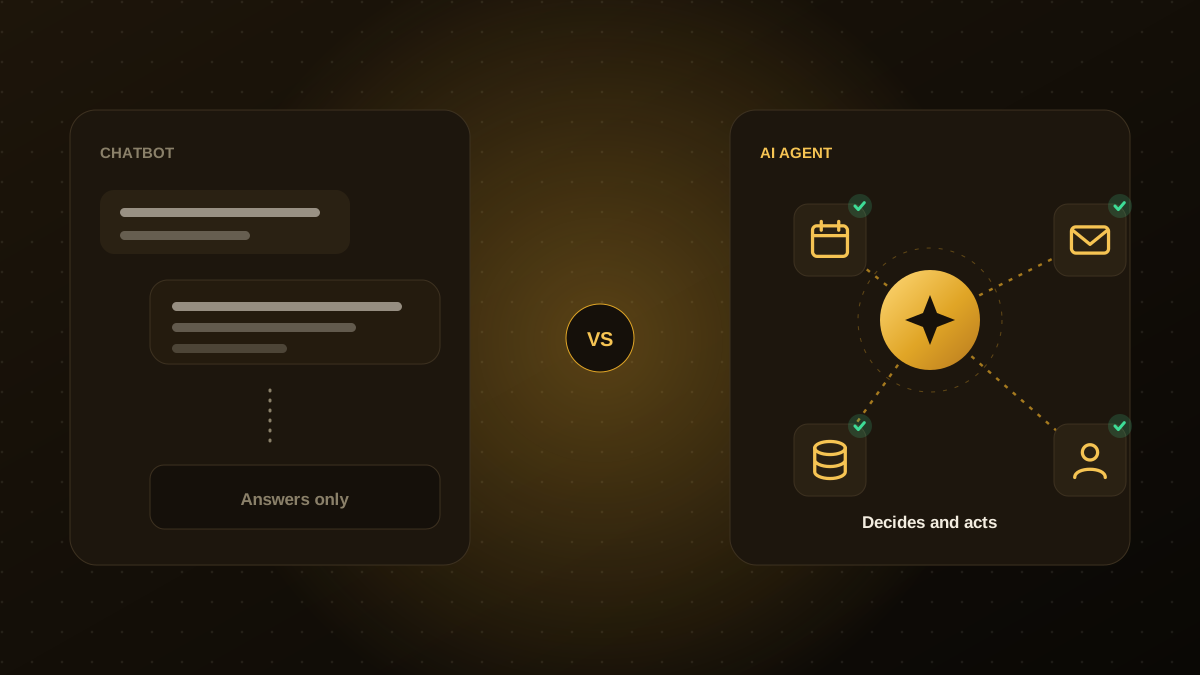
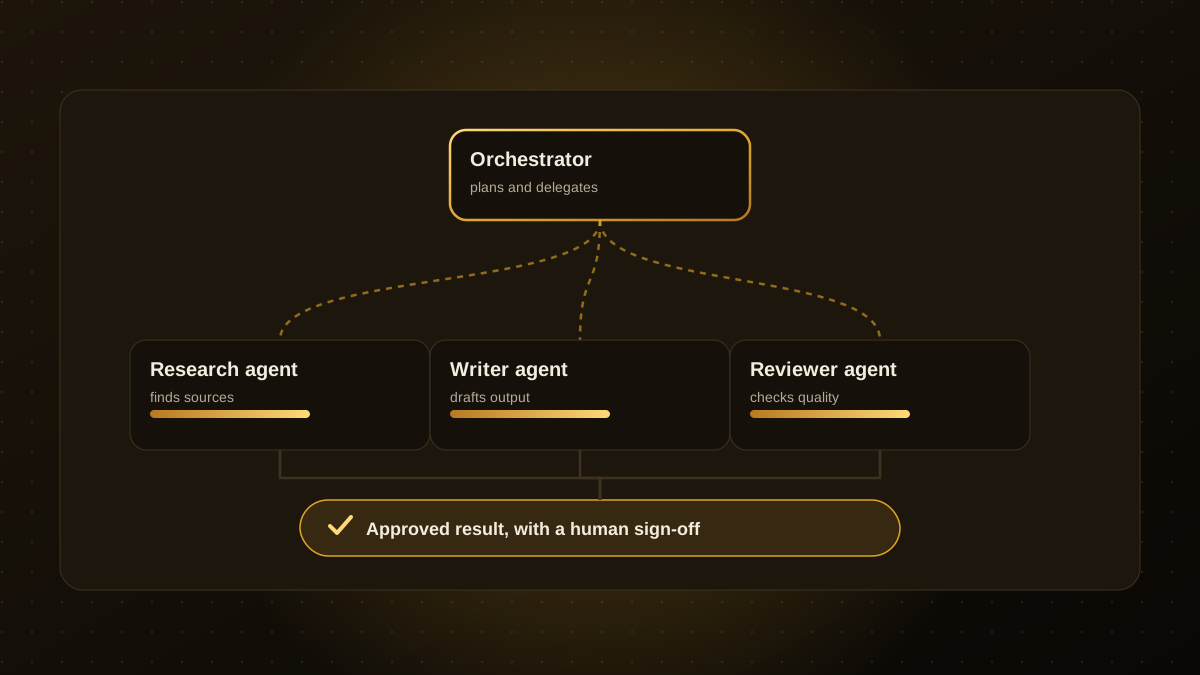
A single AI agent receives a goal, decides which tools to use and works toward the result. In a multi-agent system, the work is divided. An orchestrator agent breaks a request into parts and hands them to specialist agents, such as one that researches, one that drafts and one that reviews. The orchestrator then assembles the results.
The idea mirrors how teams work: specialists with focused skills and clear responsibilities usually outperform one generalist trying to do everything at once.
When splitting the work helps
- Distinct stages. Research, drafting, checking and publishing have different inputs and quality bars.
- Different tools or access. One agent can have read access to finance data while another only sees marketing content, which is safer than one agent with every permission.
- Independent review. A separate agent checking the output often catches errors the first agent missed.
- Parallel work. Independent sub-tasks can run at the same time, which shortens total time.
- Very long tasks. Splitting prevents one agent's context from becoming overloaded.
When it is the wrong choice
Every extra agent adds model calls, delay and places for things to go wrong. If a task is short, well defined and uses a few tools, a single agent is simpler, cheaper and easier to debug. A good rule is to start with one agent, find where it fails, and add specialists only where there is clear evidence they help.
A simple example: processing a supplier invoice
| Agent | Job | Access |
|---|---|---|
| Intake | Reads the email, extracts vendor, amount and dates | Mailbox, read-only |
| Matcher | Checks the invoice against the purchase order and past payments | Finance records, read-only |
| Reviewer | Flags anomalies, such as a changed bank account | Vendor history |
| Orchestrator | Routes clean invoices for approval, exceptions to a person | Workflow queue |
No single agent can pay an invoice on its own, and each one only sees what its job requires.
How to keep it reliable
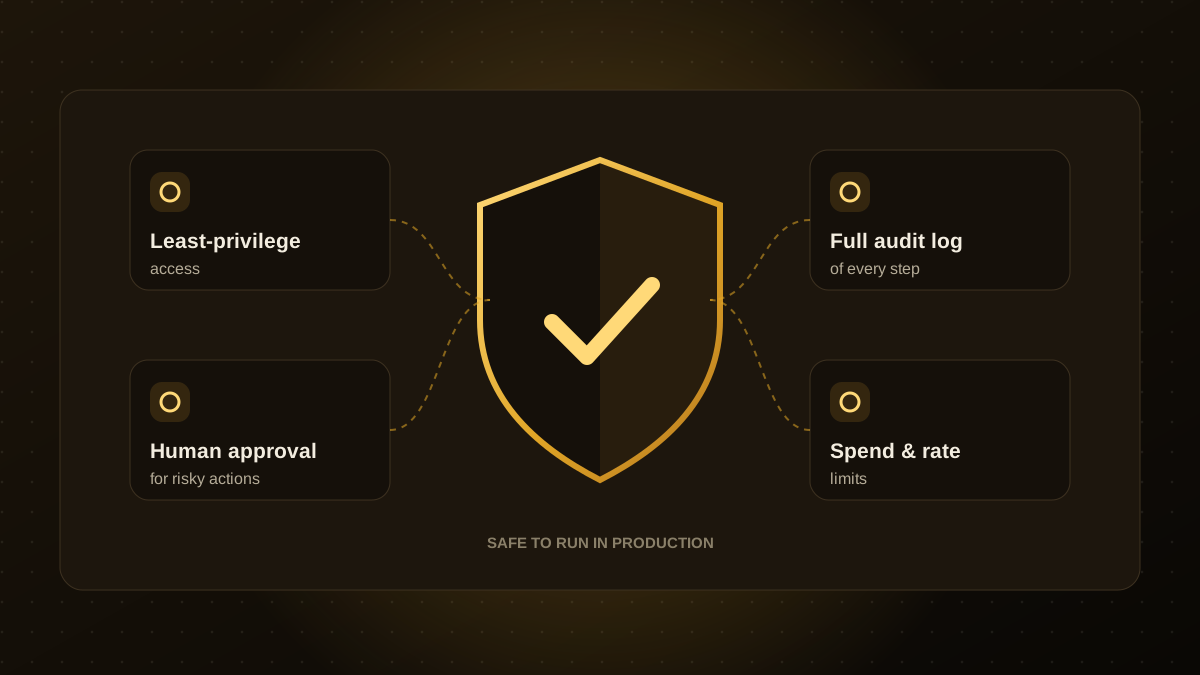
- Give each agent one clear role and a narrow set of tools.
- Define the handoff format so one agent's output is something the next can use, such as structured fields rather than free text.
- Set limits. Cap steps, retries and spend so agents cannot loop.
- Keep humans in the loop for approvals, payments and anything customer-facing.
- Log every step so you can trace which agent produced which decision.
Test the whole system
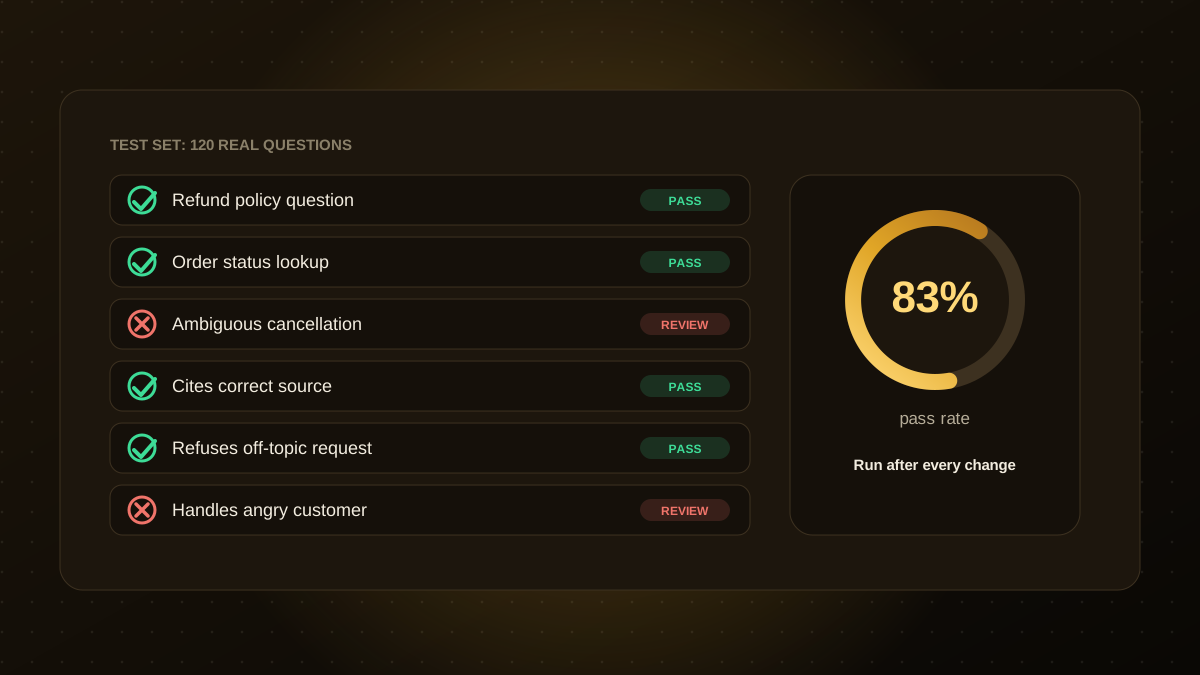
Agents that look good individually can still fail together, for example when one misreads another's output. Build an evaluation set of realistic cases and measure the final result, not just each agent. Our guide to evaluating AI agents shows how. If you are weighing whether your workflow needs one agent or several, our AI agent development team can review it with you.

Qodexify is a remote-first team of senior engineers building web apps, AI agents, workflow automation and websites. Learn more about our AI agent development service or talk to an engineer.