Key takeaways
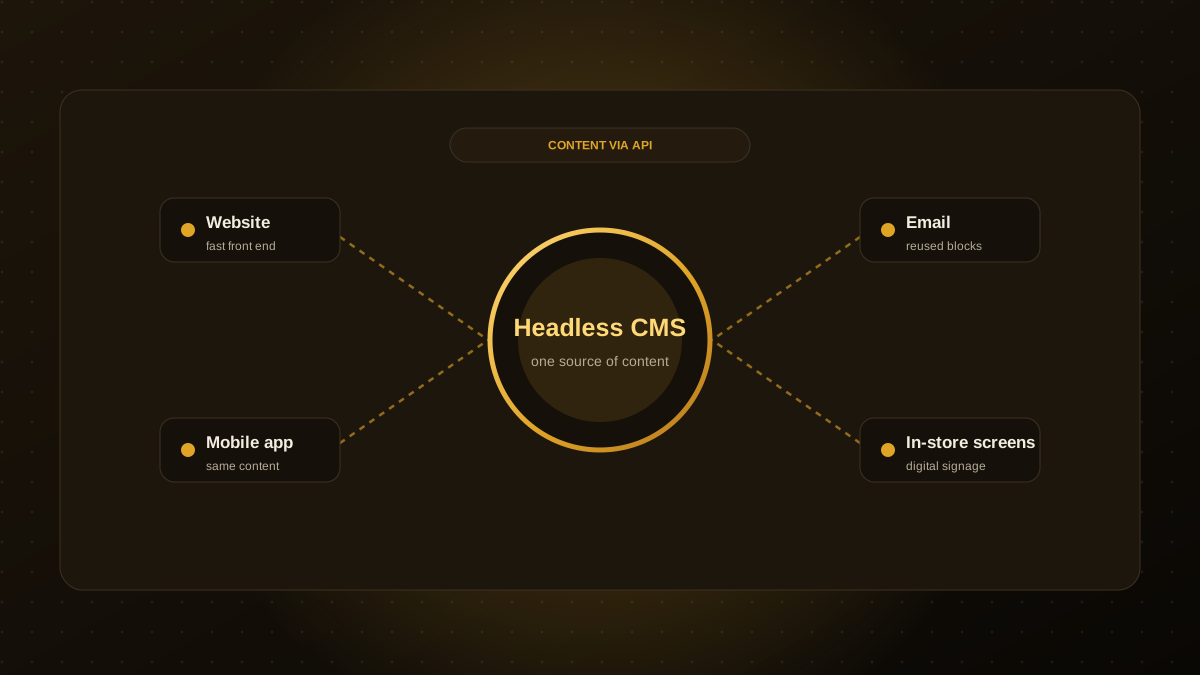
- A headless CMS stores and manages content but does not decide how it looks. Any website, app or screen can fetch it through an API.
- It helps when the same content feeds several channels, or when you want full control of a fast front end.
- Traditional WordPress is simpler and cheaper for many content sites, and its ecosystem is huge.
- Headless means two systems to build and maintain, so total cost and complexity are usually higher.
- WordPress itself can also be used headlessly, if your team already knows it.
Headless in one paragraph
In a traditional CMS such as WordPress, the same system stores content and renders pages. In a headless CMS, the "head", the presentation layer, is removed. Editors work in the CMS, and developers build the website, app or other front end separately, fetching content through an API. The same article or product description can then appear on a website, a mobile app and a digital display.
Headless vs. traditional at a glance
| Traditional (e.g. WordPress) | Headless CMS | |
|---|---|---|
| Setup | Fast, themes and plugins | Slower, front end is built to order |
| Design freedom | Limited by themes and builders | Complete |
| Multi-channel content | Possible, awkward | Designed for it |
| Editing experience | Familiar, includes live previews | Varies, previews need extra work |
| Performance control | Depends on theme and plugins | High, with a purpose-built front end |
| Maintenance | One system, frequent updates | Two systems to maintain |
| Typical cost | Lower | Higher upfront |
When headless is worth it
- The same content feeds several channels, such as a site, an app and in-store screens.
- You want a bespoke, very fast front end, for example built with Next.js.
- Your developers want modern tooling and strict control over what loads.
- You are publishing large amounts of structured content, such as product catalogues, with strict content models.
When to stay with WordPress
- You have a blog or brochure site with a small team.
- Budget and time to launch matter most.
- You depend on plugins that already do what you need.
- Your editors rely on the familiar editor and live page previews.
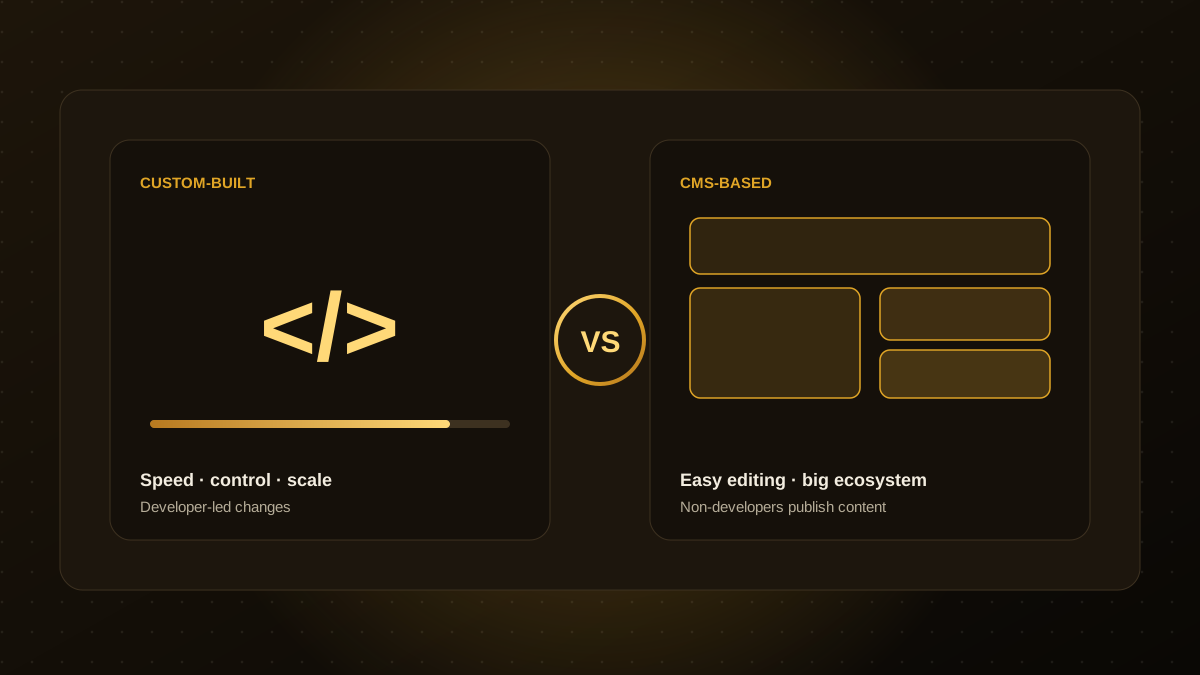
Our comparison of Next.js and WordPress goes deeper on this trade-off.
Hidden costs to budget for
- Previews and editing UX. Editors expect to see changes before publishing. This takes work to set up.
- Two sets of updates and security. The CMS and the front end both need care.
- Developer dependence. New page layouts often need code changes, not just a page builder.
- Vendor pricing. Many headless platforms charge by seat, content volume or API usage.
Choosing well
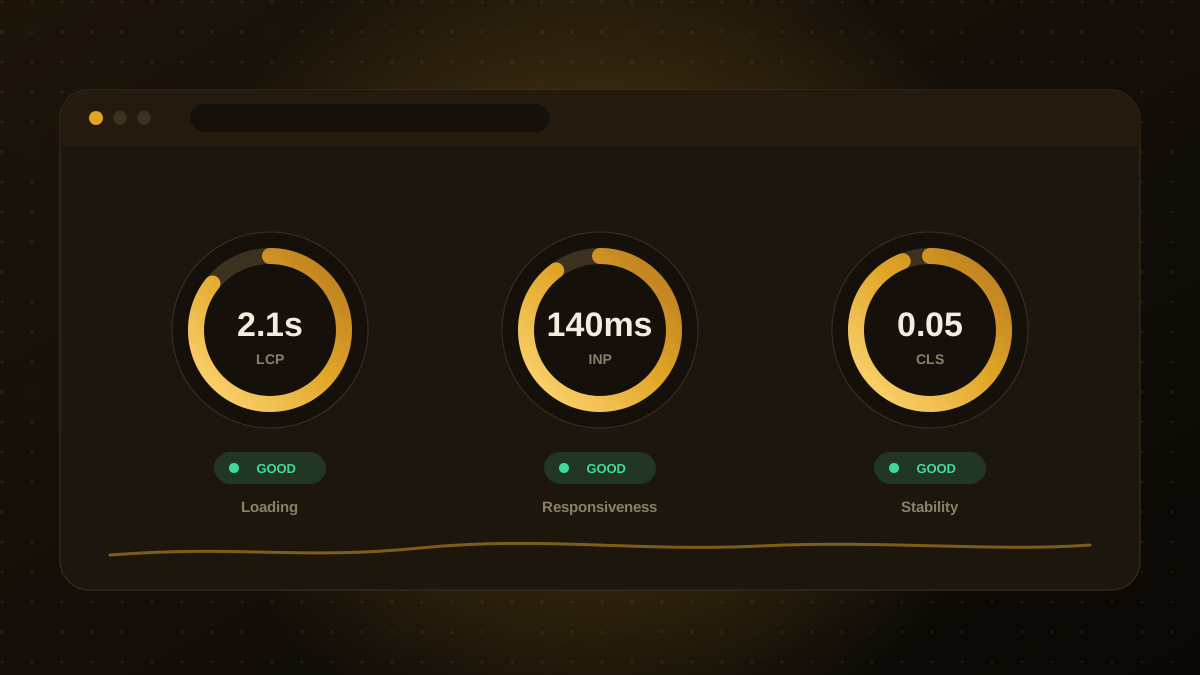
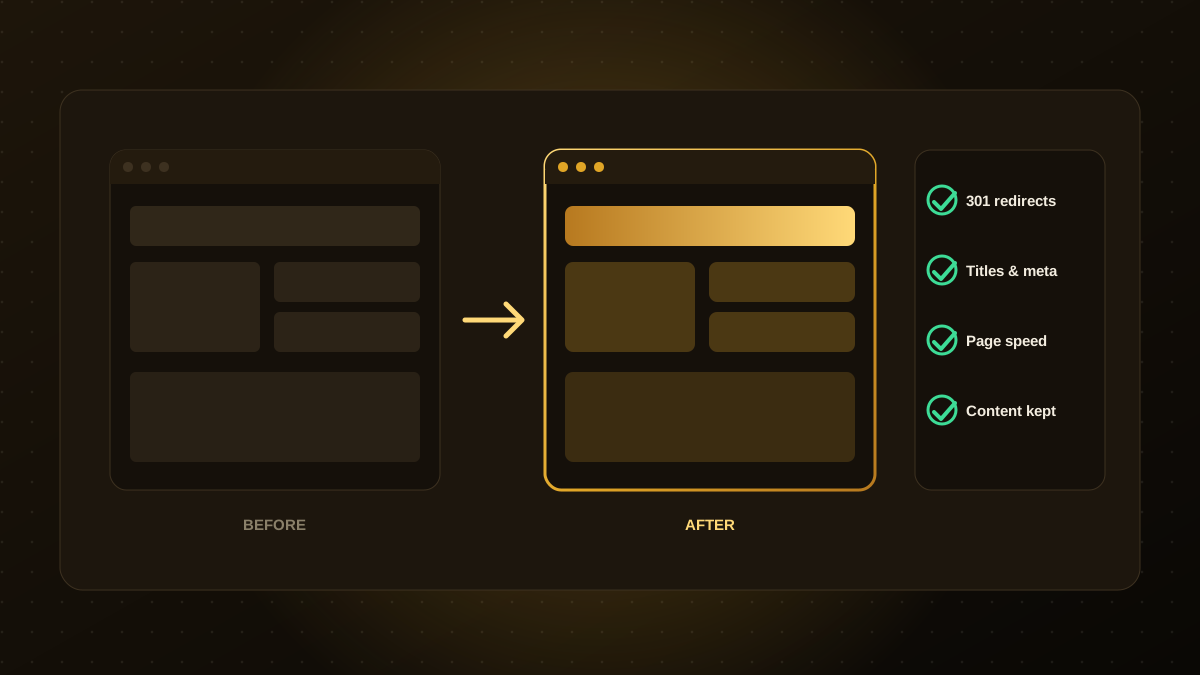
Define your channels, editors and growth plans first, then pick the system, not the other way around. If you do go headless, protect SEO with careful URL planning and redirects, as in our redesign SEO checklist, and keep performance targets from the Core Web Vitals checklist. Our website development team can recommend and build either approach.

Qodexify is a remote-first team of senior engineers building web apps, AI agents, workflow automation and websites. Learn more about our website development service or talk to an engineer.