Key takeaways
- AI can read invoices in any layout, extract the key fields and match them to purchase orders, removing most manual data entry.
- Automate in stages: capture and extraction first, then matching, then approvals and posting to your accounting system.
- Keep controls: duplicate detection, bank detail change checks, approval limits and an audit trail.
- Route exceptions to a person instead of forcing everything through automatically.
- Measure invoices processed, time per invoice, error rate and exceptions to prove the return.
Why accounts payable is a good target
Accounts payable follows a predictable pattern: an invoice arrives, someone keys the details into the accounting system, checks it against an order, gets approval, schedules payment and files the record. It is repetitive, rule-based and high-volume, which is exactly what automation does well. It is also where mistakes cost real money: duplicate payments, wrong amounts and fraud attempts.
The automated flow
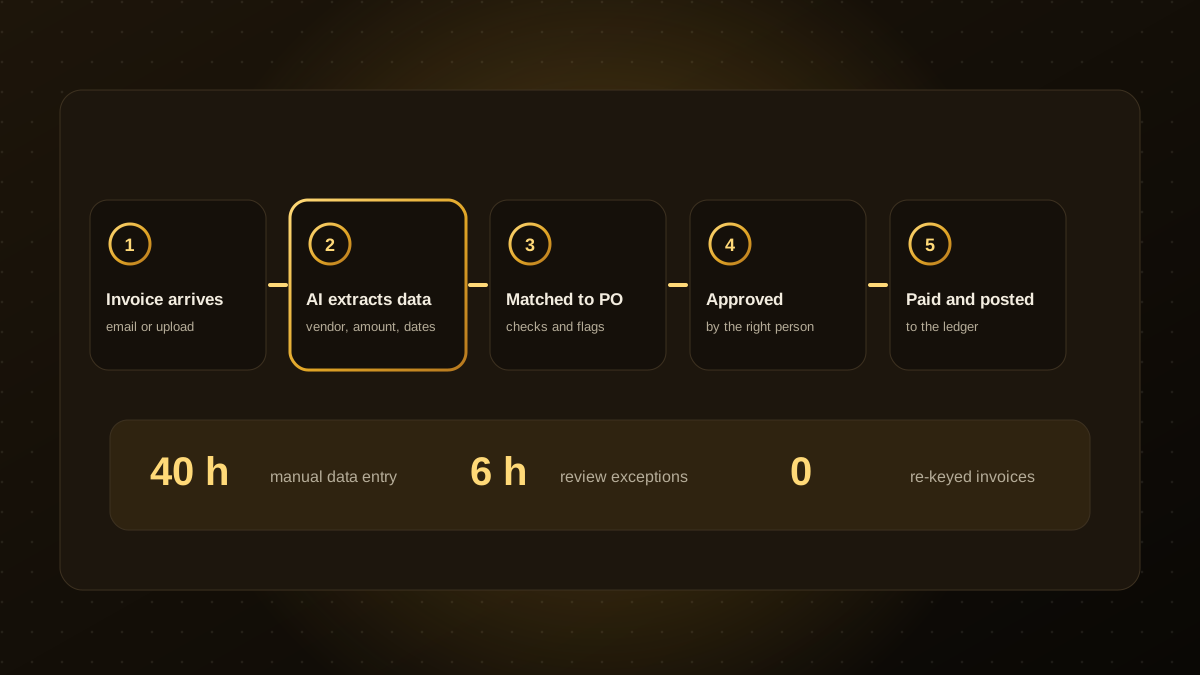
- Capture. Invoices arrive by email, upload or portal and are collected in one place.
- Extract. AI reads the document, whatever its layout, and pulls out the vendor, invoice number, dates, line items, tax and total.
- Validate. The system checks for duplicates, valid tax numbers and whether the vendor is known.
- Match. It compares the invoice with the purchase order and goods receipt, and flags differences.
- Approve. Clean invoices route to the right approver by amount or department. Exceptions go to a person with the issue highlighted.
- Post and pay. Approved invoices are posted to the ledger and scheduled for payment.
What AI adds beyond old OCR
Older optical character recognition needed fixed templates for each supplier. Modern AI models understand the document in context, so a new supplier's invoice usually works the first time. They can also suggest account codes from past coding, summarise unusual items and explain why an invoice was flagged. Always show the extracted values beside the original so a reviewer can check them quickly.
Controls you should not skip
- Duplicate detection on vendor, number and amount.
- Bank detail change checks. Changed payment details are a classic fraud pattern, so verify them through a known contact.
- Approval limits and segregation of duties. The person who enters or approves should not release payment alone.
- Audit trail of who and what changed each record.
- Human review of low-confidence extractions.
These mirror the principles in our AI agent guardrails.
Where to start
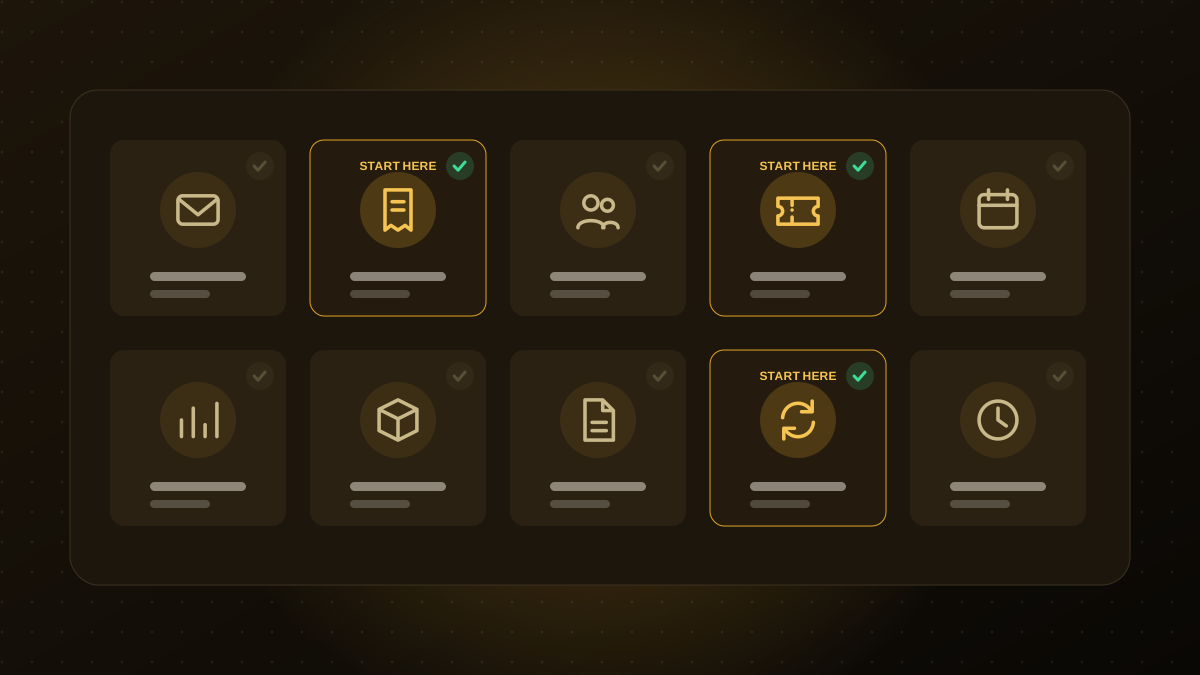
Begin with capture and extraction for your busiest suppliers and run the automation in suggest mode, where a person confirms each result. Once accuracy is proven, add matching and approval routing, and finally automatic posting for low-risk, high-confidence invoices. Integrate with the accounting system you already use, such as AvrioBooks, Xero or QuickBooks, rather than replacing it.
How to measure the return
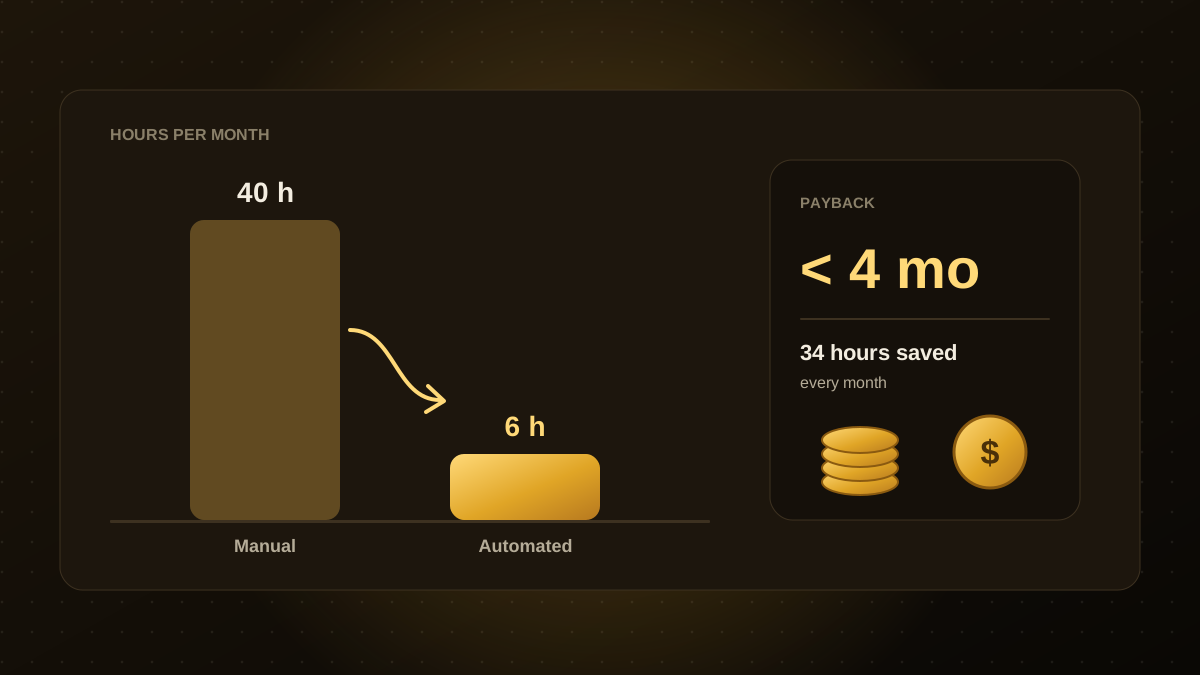
Track invoices processed per person, average handling time, error and duplicate rates, the share of invoices that need manual review and early-payment discounts captured. Plug the figures into the model from our guide to calculating automation ROI. If you want a workflow like this built around your own systems, see our workflow automation service.

Qodexify is a remote-first team of senior engineers building web apps, AI agents, workflow automation and websites. Learn more about our workflow automation service or talk to an engineer.