Key takeaways
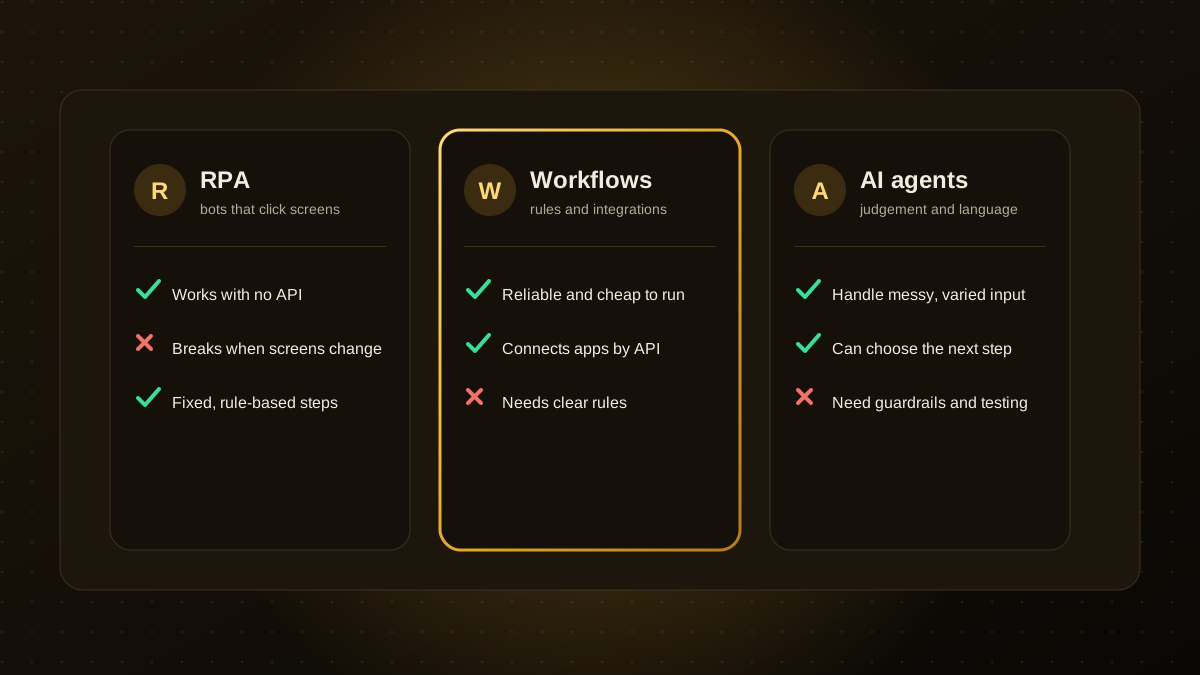
- Workflow automation connects apps through APIs and fixed rules. It is the cheapest and most reliable option when steps are clear.
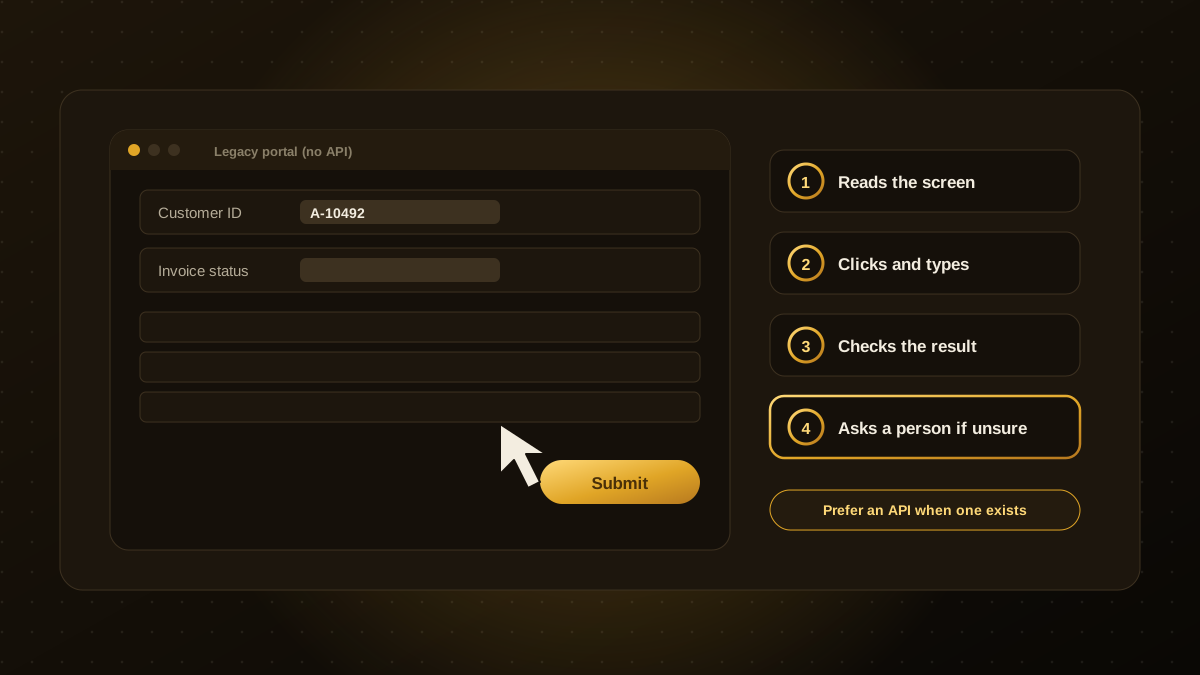
- RPA (robotic process automation) imitates a person using a screen. It is useful when software has no API, but it breaks when screens change.
- AI agents handle messy input and choose their next step, which suits tasks that need judgement. They need guardrails, testing and monitoring.
- Start with the simplest tool that works: workflow automation first, an AI step where language or judgement is needed, and RPA only as a last resort.
- Many good solutions combine all three, with a person approving anything risky.
Three ways to automate
Businesses use the word "automation" for very different technologies. Choosing the wrong one leads to fragile systems or needless cost. In short:
- Workflow automation moves data between tools using triggers, rules and APIs, such as "when a form is submitted, create a CRM record and send an email".
- RPA uses software robots that click, type and copy through the screens of other software, as a person would.
- AI agents use a language model to understand requests, decide what to do next and call tools, handling variation that fixed rules cannot.
How they compare
| Workflow automation | RPA | AI agents | |
|---|---|---|---|
| Best for | Clear steps between systems that have APIs | Legacy or closed software with no API | Messy input, language, decisions that vary |
| Reliability | High | Medium, sensitive to screen changes | Medium, needs testing and guardrails |
| Cost to run | Low | Medium, licences and upkeep | Varies, pay per use of the model |
| Handles unexpected input | Poorly | Poorly | Well |
| Oversight needed | Light | Moderate | Higher: approvals, logging and evaluation |
A simple way to choose
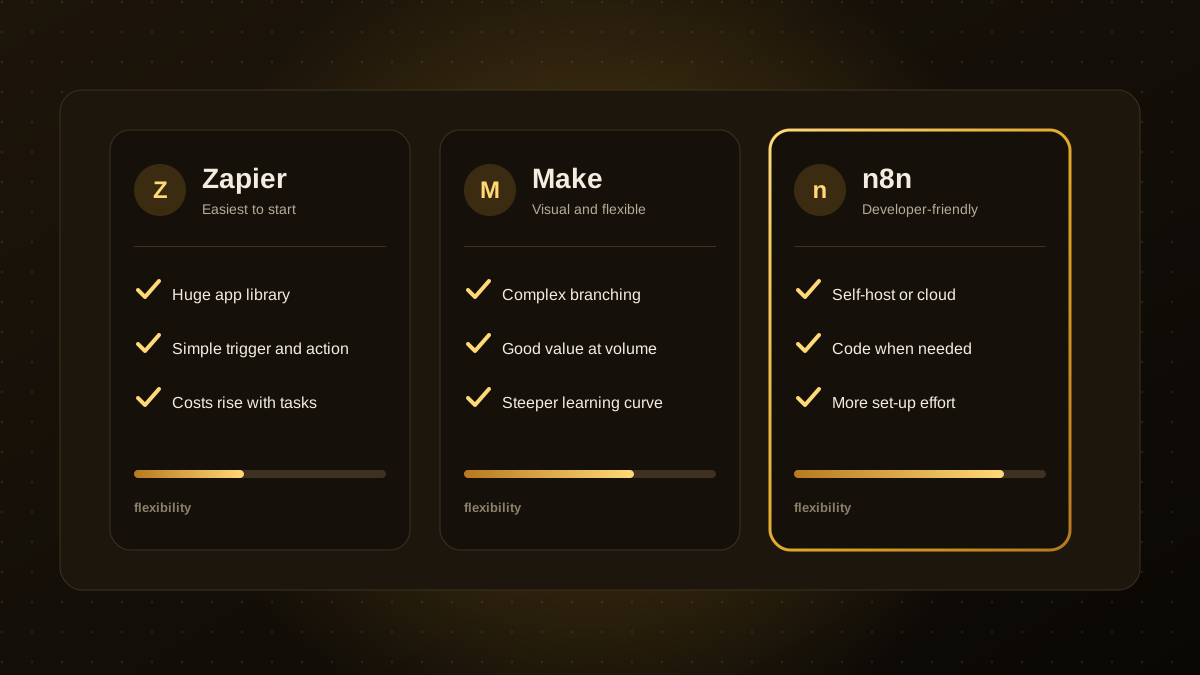
- Can the steps be written as clear rules, and do the systems have APIs? Use workflow automation. See our comparison of Zapier, Make and n8n.
- Does one system have no API but a stable screen? RPA, or an integration through exports, may fit. Check for an API or file export first.
- Does the work involve reading free text, judging a situation or handling many variations? Add an AI step or an agent, with a person approving risky actions.
- Is the software constantly changing or too varied for scripts? A computer-use agent may help, but it is slower and needs oversight.
Examples
- New lead arrives. Workflow automation creates the record and assigns an owner. An AI step reads the message and drafts a reply for a person to approve.
- Supplier invoices. An AI model extracts the data, workflow automation validates and routes it, and RPA keys it into an older system that has no API.
- Customer questions. An agent answers from your knowledge base and hands off to a person when it is unsure.
Common mistakes
- Using an AI agent for a task that a simple rule could do, which adds cost and unpredictability.
- Choosing RPA by default, then spending more time repairing bots than they save.
- Automating a broken process instead of simplifying it first.
- Skipping error handling, logging and an owner for each automation.
Where to start
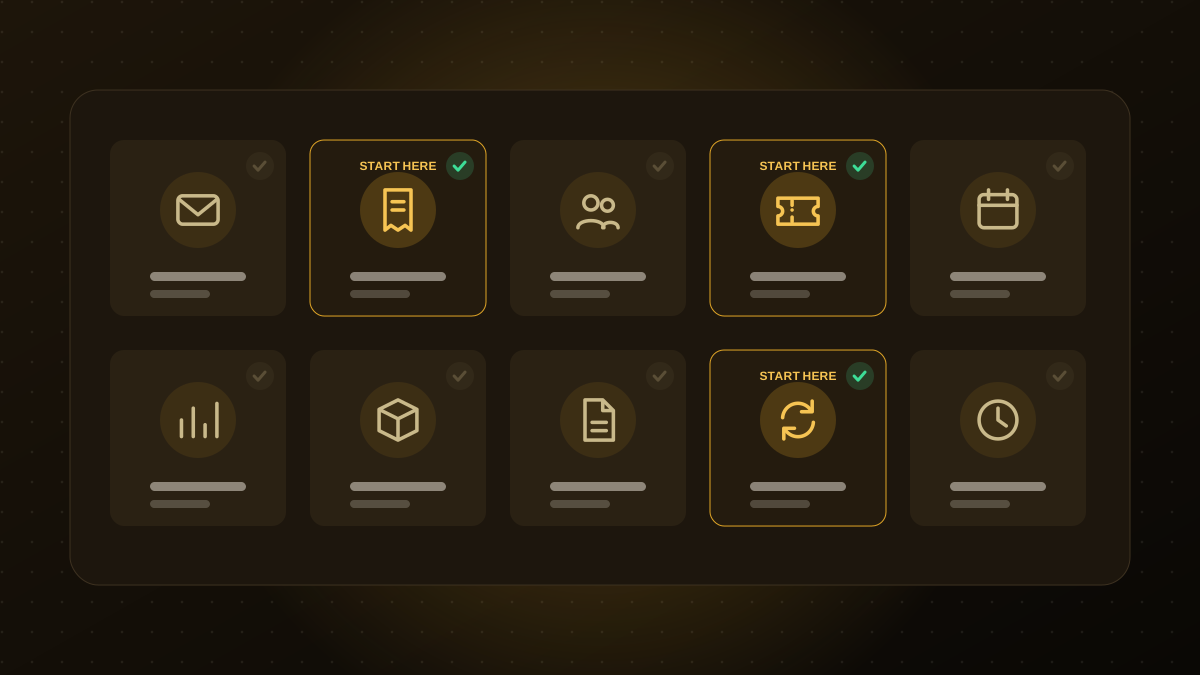
Pick one process, estimate the time it takes today, and choose the simplest approach that works. Our guides on which processes to automate first and calculating the return help you prioritise. If you would like a second opinion on the right mix for your business, our AI automation team can run a short audit.

Written by the Qodexify engineering team
Qodexify is a remote-first team of senior engineers building web apps, AI agents, workflow automation and websites. Learn more about our AI automation service or talk to an engineer.