
Service
Custom CRM & Internal Tools.
Software shaped around how your team really works: custom CRMs, operations dashboards, approvals and admin tools that replace spreadsheets and workarounds.
What are custom internal tools?
Internal tools are applications built for your own team: a CRM tailored to your sales process, an operations dashboard, a quoting tool, an approvals system or an admin panel for your product. Qodexify builds them with role-based access, audit trails and integrations to your existing systems. A simple tool takes 3–6 weeks and costs roughly $10,000–$25,000; a custom CRM takes 8–14 weeks.
What’s included
What we build into internal tools
Workflows that match yours
Pipelines, statuses, approvals and rules modelled on how your team actually works.
Roles and permissions
Each person sees and changes only what they should, with an audit trail of who did what.
Integrations
Connections to your email, accounting, calendar, billing and other systems, so data is entered once.
Dashboards and reports
Live views of the numbers you manage, in place of monthly spreadsheet exports.
Automation and AI
Reminders, routing, summaries and drafting, with people approving what matters.
Easy to change
Clean, documented code so the tool can evolve as your process does.
Our approach
How a project runs
Map the process
We sit with the people who do the work and map today's steps, pain points and data.
Prototype
Clickable prototypes let your team try the tool before we build it fully.
Build in slices
Each release replaces a piece of the old process, starting with the biggest pain.
Train and support
Training, migration of existing data and ongoing support as the tool grows.
Use cases
Internal tools we build
Common projects where this delivers the fastest return.
Custom CRM
Track leads, accounts and deals around your sales process rather than a vendor's template.
Operations dashboards
Bring orders, jobs, inventory and team capacity into one live view.
Quoting and proposal tools
Generate accurate quotes from your pricing rules in minutes.
Approvals and request systems
Replace email chains with tracked requests, approvals and reminders.
Admin panels for products
Give support and ops teams safe tools to manage customers and data.
Customer and partner portals
Let customers or partners see status, documents and invoices themselves.
Cost & timeline
Typical timeline and budget
Indicative ranges for projects of this kind. Pricing depends on the number of workflows, integrations, users and data to migrate.
| Project type | Typical timeline | Typical budget |
|---|---|---|
| Simple internal tool or dashboard | 3–6 weeks | $10k–$25k |
| Custom CRM or operations system | 8–14 weeks | $30k–$70k |
| Integrated operations platform | 12–20 weeks | $60k–$120k |
FAQ
Frequently asked questions
Why build a custom CRM instead of buying one?
Off-the-shelf CRMs are quick to start, but they can force you to bend your process to the software and charge per user. A custom CRM fits your process exactly. We help you decide using a build versus buy comparison.
Can you migrate our spreadsheet data?
Yes. We clean and import your existing data and run the old and new in parallel until you are confident.
Can it connect to our other software?
Yes. We integrate with common tools through their APIs and build connectors where needed.
Who owns the software?
You do. We deliver the source code, documentation and infrastructure access at the end of the project.
Is it secure?
We build in role-based access, audit trails and secure hosting, and follow good practice for authentication and data protection.
Can the tool grow into a product?
Many internal tools do. We design them cleanly so they can later be opened to customers or sold as software.
From the blog
Guides on this topic
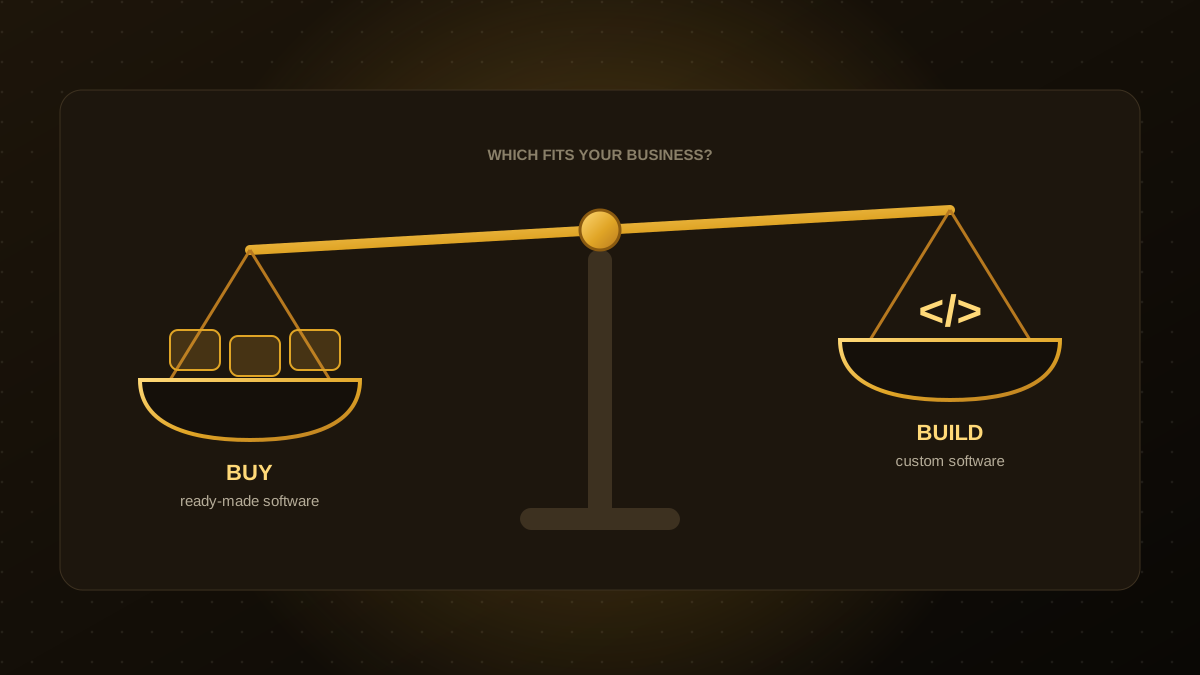
Build vs. Buy Software: How to Decide What Is Right for Your Business
Should you build custom software or buy an existing product? A practical framework covering cost, fit, speed, risk and long-term ownership to help you decide.
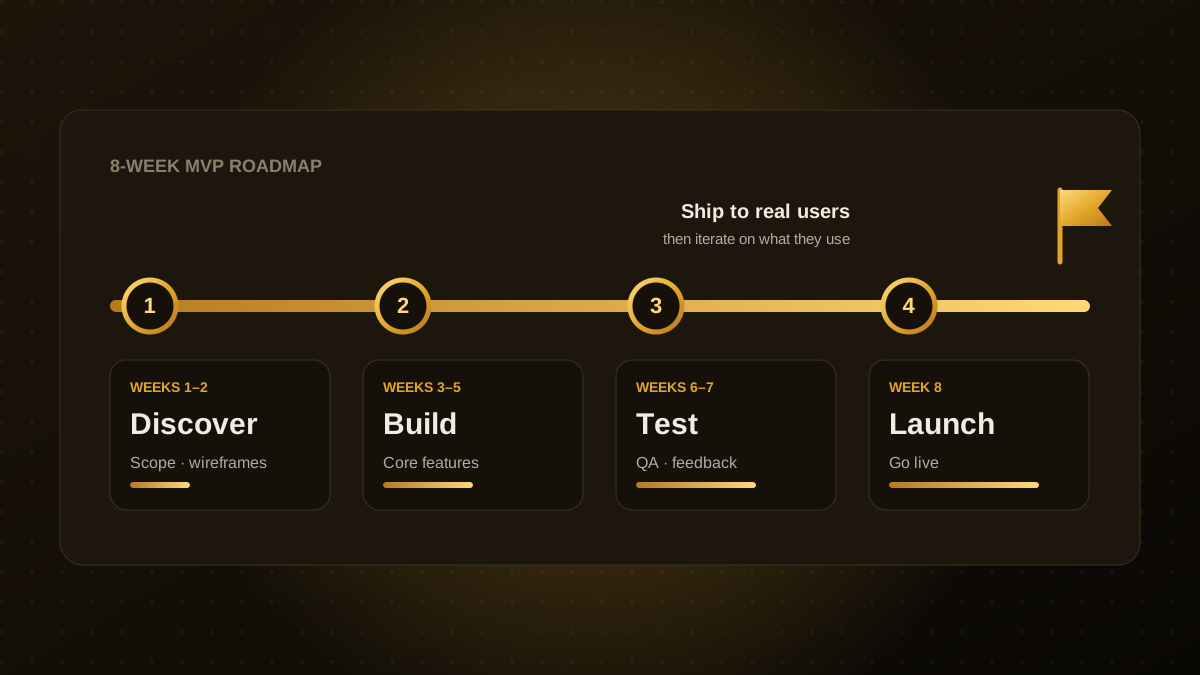
How to Build an MVP in 8 Weeks: A Step-by-Step Plan
A week-by-week plan for building a minimum viable product in eight weeks: how to scope, what to cut, how to test with real users and launch without burning budget.
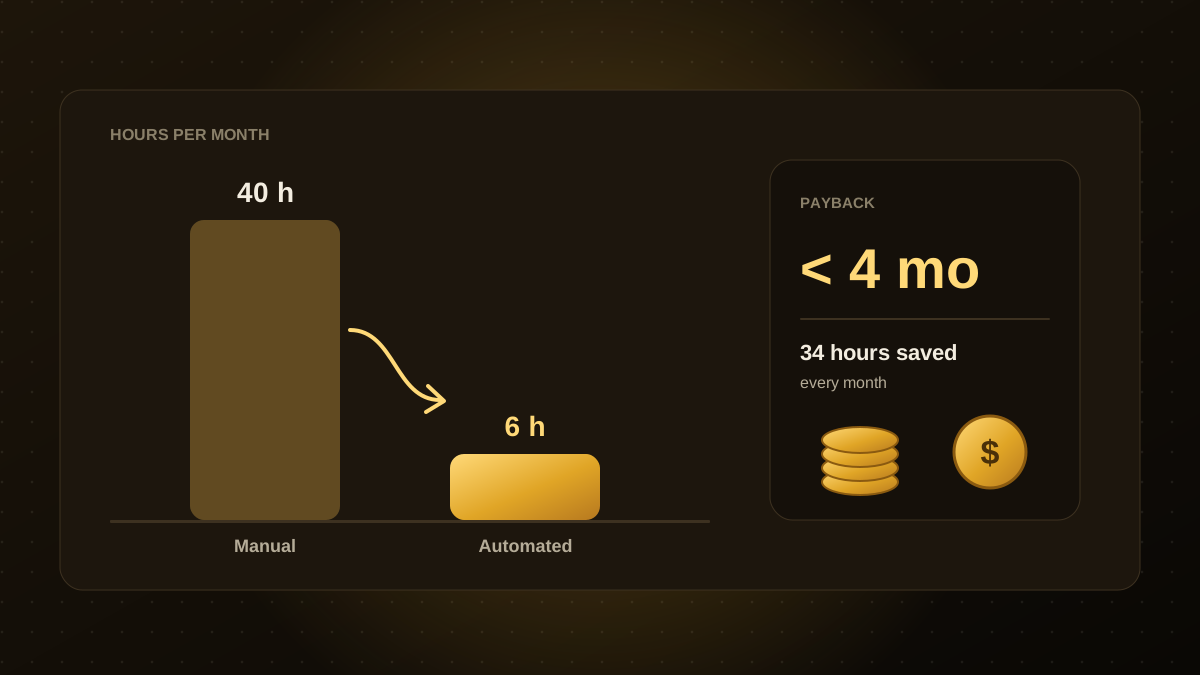
How to Calculate the ROI of Workflow Automation (With a Worked Example)
A simple formula for automation ROI: measure the manual cost, estimate build and run costs, and calculate payback. Includes a worked example and common mistakes.