Key takeaways
- WordPress is a content management system that suits sites where non-developers publish and edit pages often.
- Next.js is a React framework for custom-built sites and web apps where performance, integrations and design control matter most.
- Neither is better in general. The right choice depends on who edits content, how custom the experience is and who maintains the site.
- A headless setup, with a CMS for editing and Next.js for the front end, can combine both approaches at a higher build cost.
- Budget for maintenance either way: updates, security, backups and performance monitoring.
The short answer
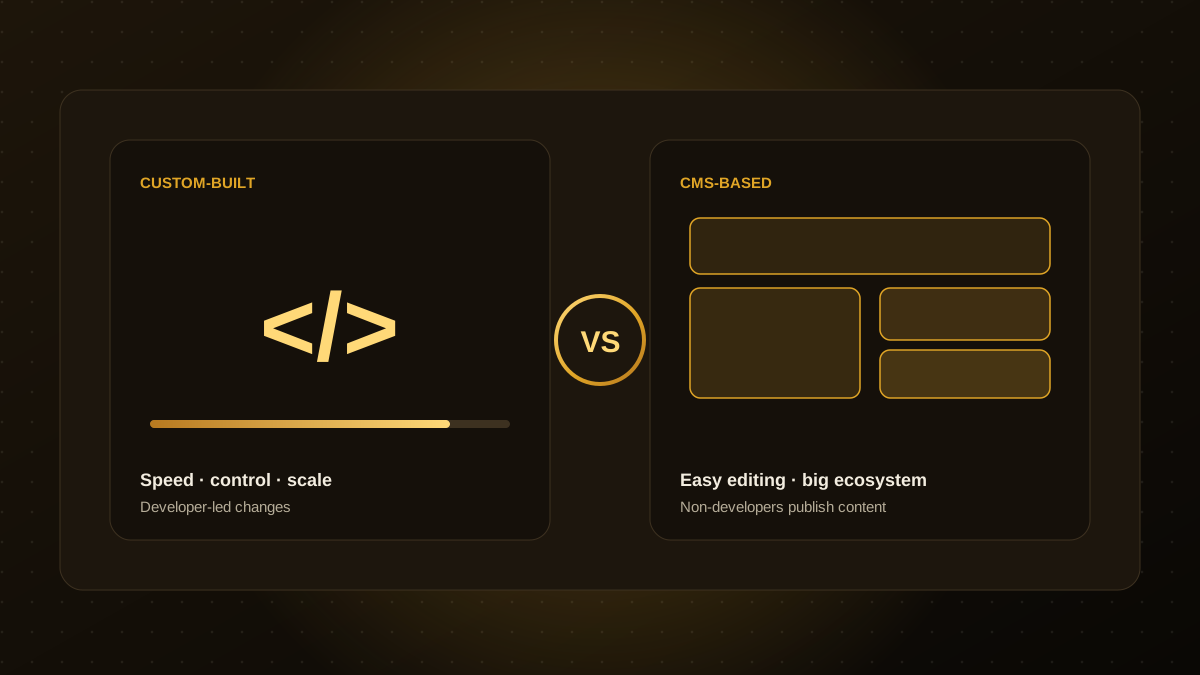
If your site is mostly pages and blog posts edited by a marketing team, and you want to launch quickly on a modest budget, WordPress is often the practical choice. If your site needs custom functionality, tight performance control, complex integrations or app-like features, a custom build with a framework such as Next.js is usually the better foundation.
Both can rank well and both can be fast or slow. The outcome depends far more on how well the site is built and maintained than on the name of the technology.
How they differ
| WordPress | Next.js (custom build) | |
|---|---|---|
| What it is | A content management system with themes and plugins | A React framework for building custom sites and apps |
| Content editing | Familiar editor, ready out of the box | Needs a CMS or admin built or connected |
| Speed of launch | Fast with a theme or page builder | Longer, because design and code are built to order |
| Performance control | Depends heavily on theme and plugins | Fine-grained control over what loads and when |
| Custom features | Plugins cover many needs; complex logic gets harder | Built exactly to requirements |
| Security and upkeep | Regular core, theme and plugin updates are essential | Smaller surface area, but dependencies still need updates |
| Upfront cost | Generally lower | Generally higher |
| Best for | Content-led sites, blogs, brochure sites, small shops | Product sites, web apps, portals, performance-critical sites |
Where WordPress is the better choice
- Your team will publish and change content daily without developer help.
- You need to launch quickly on a limited budget.
- A well-supported plugin already does what you need, such as events, memberships or a simple shop.
- You want a large pool of freelancers and agencies who know the platform.
Where Next.js is the better choice
- The site is part of a product, with logged-in areas, dashboards, calculators or rich interactions.
- You need to connect several systems, such as a CRM, payment provider, inventory or AI features.
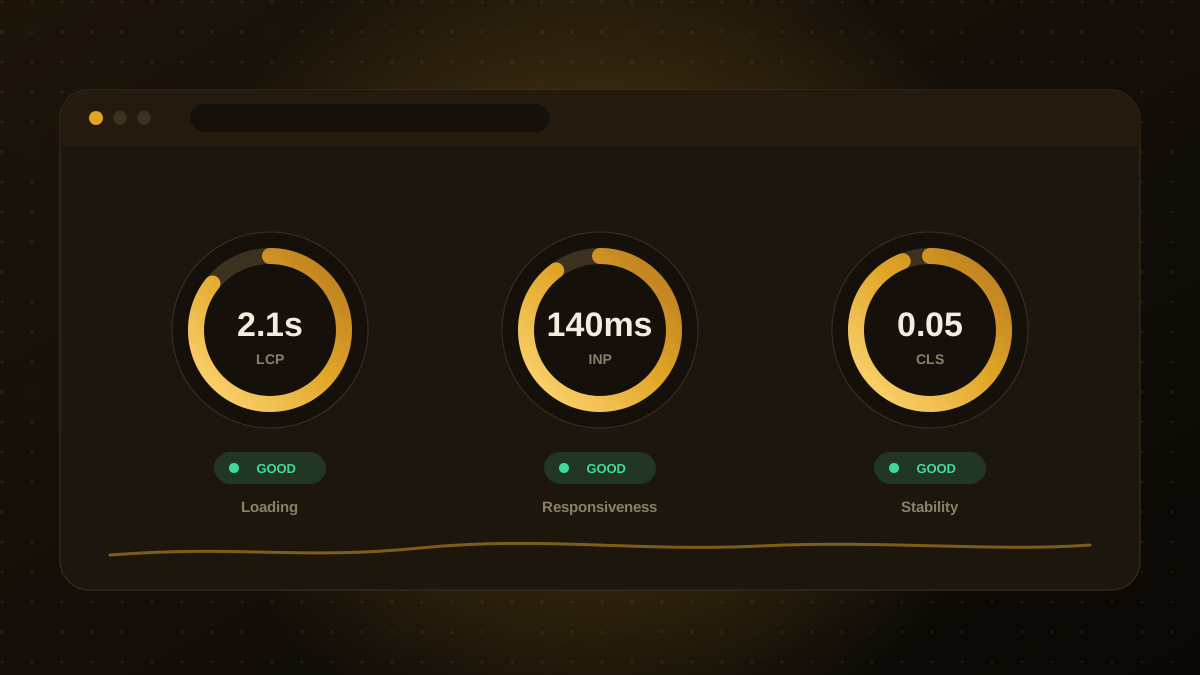
- Page speed and Core Web Vitals are a top priority and you want full control over loading behaviour. See our Core Web Vitals checklist.
- You want a design that is not constrained by a theme or page-builder.
The middle path: headless
You do not always have to choose. A headless approach keeps a CMS, which can be WordPress or a dedicated headless CMS, for editors, and uses Next.js to build the public site. Editors keep a familiar interface while visitors get a fast, custom front end. The trade-off is higher build cost and two systems to maintain, so it makes most sense for larger or fast-growing sites.
Cost and maintenance: what to plan for
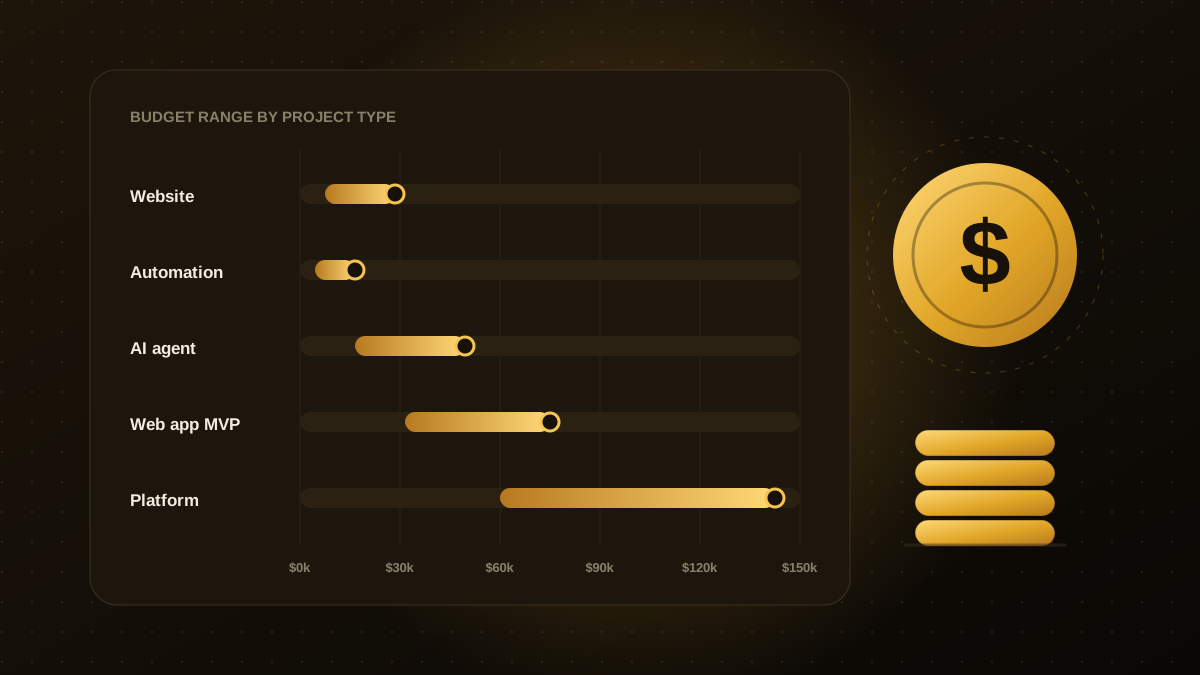
WordPress usually costs less to launch but needs steady upkeep: core, theme and plugin updates, backups, security monitoring and performance tuning. A custom Next.js site usually costs more to build but can be cheaper to run if the scope is stable, since it has fewer moving parts. Either way, plan for ongoing maintenance rather than treating launch as the end. Our cost guide explains what drives budgets for different kinds of projects.
A simple way to decide
Answer three questions. Who will edit the content, and how often? How custom does the experience need to be? Who will maintain the site over the next three years? If editors are non-technical and the experience is mostly standard pages, lean toward WordPress. If the site behaves like a product and you have engineering support, lean toward Next.js. If you need both, consider headless. If you are still unsure, a short discovery conversation will usually settle it.

Qodexify is a remote-first team of senior engineers building web apps, AI agents, workflow automation and websites. Learn more about our website development service or talk to an engineer.