Key takeaways
- Most redesign traffic losses come from avoidable mistakes: broken URLs, missing redirects, dropped content and slower pages.
- Before you change anything, record your current rankings, traffic and top pages so you can measure the impact.
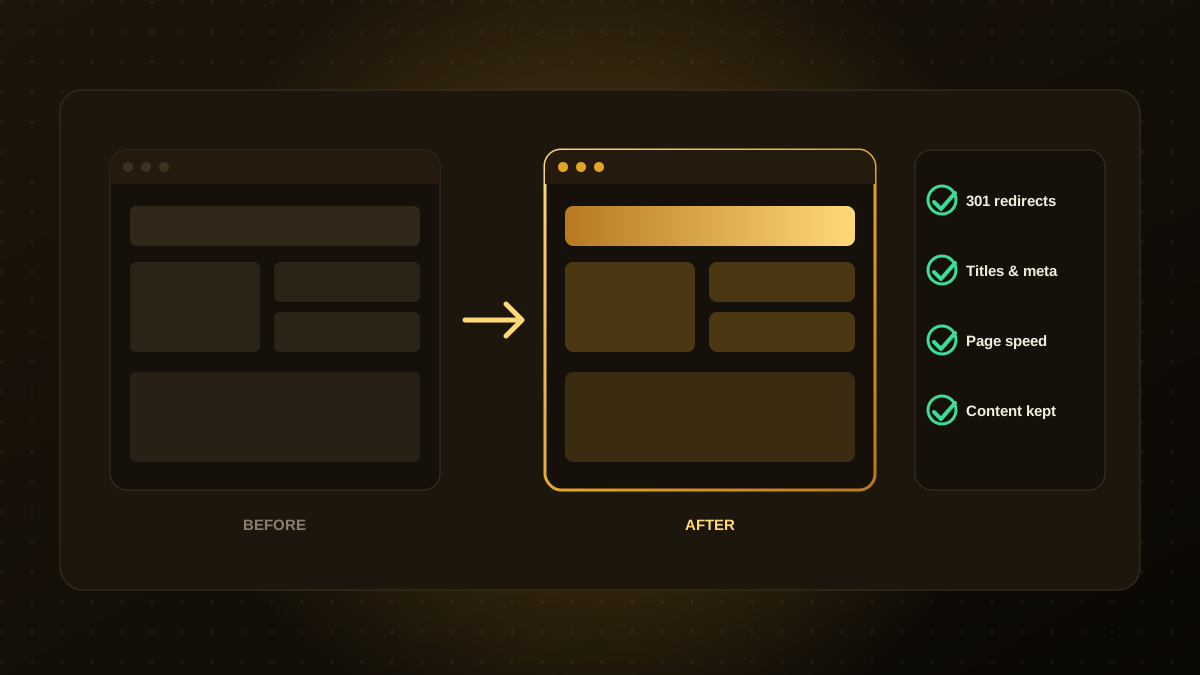
- Keep URLs the same where possible. If a URL must change, add a permanent 301 redirect to the closest new page.
- Carry over the content, headings, titles and structured data that already earn traffic.
- Test on a staging site, launch carefully and monitor Search Console closely for several weeks.
Why redesigns put rankings at risk
Search engines rank individual pages based on their content, links, structure and performance. When a redesign changes URLs, removes pages, rewrites content or slows the site down, the signals that earned those rankings are disrupted. A site can look far better and still lose a large share of its traffic if the move is not managed carefully.
The good news is that most of the risk is within your control. A methodical checklist, followed from planning to launch, protects what you have earned.
Before you start: take a baseline
- Export your top pages by organic traffic and by conversions from your analytics.
- Record keyword rankings and impressions from Google Search Console.
- Crawl the existing site and save a list of every URL, title, description, heading and status code.
- Note which pages have the most backlinks, since those carry authority you do not want to lose.
Planning: URLs and content
- Keep URLs the same whenever you can. The best redirect is the one you do not need.
- Map every old URL to a new one in a spreadsheet, and decide which pages to keep, merge or retire.
- Keep your best content. Do not shorten or remove pages that bring traffic just to make the design cleaner.
- Preserve on-page elements that help ranking: page titles, meta descriptions, headings, internal links and image alt text.
- Keep structured data such as organisation, article and FAQ markup, or improve it.
Build and test on staging
- Block the staging site from search engines so it is not indexed, and remember to remove the block at launch.
- Compare the crawl of staging with your baseline to catch missing pages, titles and headings.
- Test redirects: every old URL should reach its new page in a single 301 step, with no chains or loops.
- Check mobile layout, accessibility and forms.
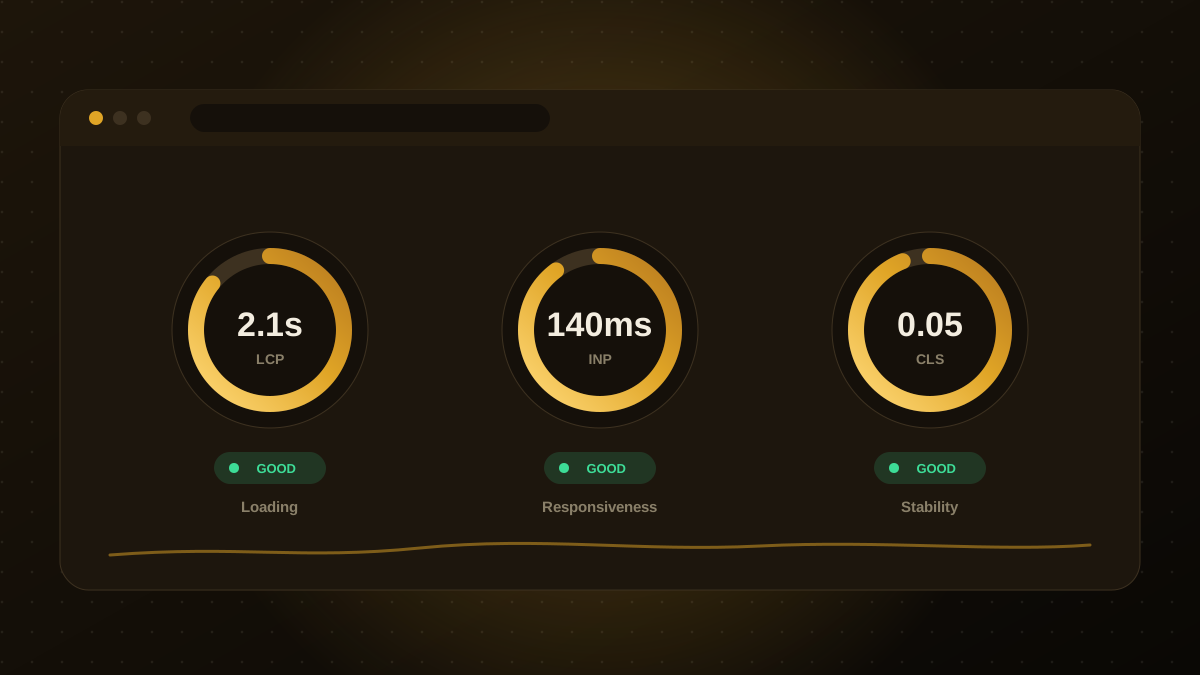
- Measure speed against Core Web Vitals targets. A beautiful design that loads slowly will hurt, not help.
Launch day checklist
| Check | Why it matters |
|---|---|
| 301 redirects live and tested | Passes ranking signals and avoids dead links |
| Staging block removed, robots.txt correct | Prevents accidentally hiding the new site from search |
| XML sitemap updated and submitted | Helps search engines find the new URLs |
| Canonical tags and titles correct | Avoids duplicate-content and snippet problems |
| Analytics and conversion tracking working | Lets you measure the impact |
| SSL and HTTPS redirects working | Security and consistent URLs |
If you can, launch early in the week and avoid your busiest season, so that you have time to react if something looks wrong.
After launch: monitor for six to eight weeks
Watch Search Console for crawl errors, new 404s and changes in impressions and clicks. Compare traffic to your baseline by page. Some fluctuation in the first weeks is normal as search engines reprocess the site, but a sharp drop on key pages is a signal to investigate redirects, indexing and content changes quickly. Fix broken links, update internal links that still point to old URLs and keep improving page speed.
Common mistakes to avoid
- Changing URL structures for aesthetic reasons without redirects.
- Rewriting copy to be shorter and removing the keywords people search for.
- Forgetting to remove a
noindextag or a staging block at launch. - Launching without a baseline, so you cannot tell whether traffic fell or by how much.
Planned well, a redesign can improve both conversions and rankings. If you would like help with a redesign or a migration, we are happy to review your current site and advise on the safest approach.

Qodexify is a remote-first team of senior engineers building web apps, AI agents, workflow automation and websites. Learn more about our website development service or talk to an engineer.