
Service
Accessibility Audit & Remediation.
Make your website or app usable by everyone: a clear audit against WCAG, prioritised fixes and hands-on remediation, with documentation that supports your accessibility statement.
What is a web accessibility audit?
A web accessibility audit tests your site against the Web Content Accessibility Guidelines (WCAG), usually at Level AA, combining automated scans with manual checks and assistive-technology testing. The result is a prioritised list of issues and how to fix them. Qodexify can then implement the fixes in your code and design system. An audit takes 1–3 weeks; remediation typically takes 3–10 weeks. We provide technical help, not legal advice.
What’s included
What the service includes
Audit against WCAG
Automated and manual testing of key templates and journeys against WCAG 2.2 Level AA.
Assistive technology testing
Keyboard-only and screen reader checks, zoom, contrast and reduced-motion testing.
Prioritised report
Each issue with severity, affected pages, the standard it relates to and a clear fix.
Remediation
Fixes made in your design system and code: contrast, labels, focus, headings, ARIA and forms.
Accessibility statement support
Documentation of your standard, known gaps and a contact route, to support your published statement.
Prevention
Component guidelines, automated checks in your build and team training so problems do not return.
Our approach
How a project runs
Scope
We choose the pages, templates and journeys that matter most.
Audit
Automated scans, manual testing and assistive technology checks.
Fix
We prioritise and remediate, or brief your developers precisely.
Verify and maintain
Retest, document and add checks to your workflow.
Use cases
Who needs this
Common projects where this delivers the fastest return.
E-commerce and online services
Businesses serving EU customers, where the European Accessibility Act may apply.
SaaS products and portals
Enterprise customers increasingly ask for accessibility documentation.
Public sector suppliers
Sites and apps sold to organisations with accessibility requirements.
Sites after a redesign
Check and fix before and after launch.
Content-heavy sites
Fix templates once so every page improves.
Teams building new products
Build accessibility in from the start.
Cost & timeline
Typical timeline and budget
Indicative ranges for projects of this kind. Pricing depends on the number of templates and journeys and the state of the existing code. This is technical work, not legal advice.
| Project type | Typical timeline | Typical budget |
|---|---|---|
| Accessibility audit and report | 1–3 weeks | $2.5k–$10k |
| Remediation of priority issues | 3–10 weeks | $6k–$30k |
| Ongoing monitoring and support | Monthly | $800–$3k / month |
FAQ
Frequently asked questions
Does the European Accessibility Act apply to us?
It depends on what you sell, to whom and your size, and microenterprise exemptions exist. Ask a legal adviser about your situation. We provide the technical audit and fixes. See our accessibility checklist for an overview.
Which standard do you test against?
WCAG 2.2 Level AA by default, which also covers the earlier 2.1 AA criteria that many regulations reference.
Can automated tools find everything?
No. Automated tools catch only a share of issues, so we combine them with manual and assistive technology testing.
Can you guarantee compliance?
No one can guarantee legal compliance. We reduce risk by finding and fixing issues and documenting your approach.
Do you fix the issues too?
Yes, or we give your developers a precise, prioritised brief.
How do we stay accessible over time?
Through component standards, automated checks, training and periodic re-audits.
From the blog
Guides on this topic
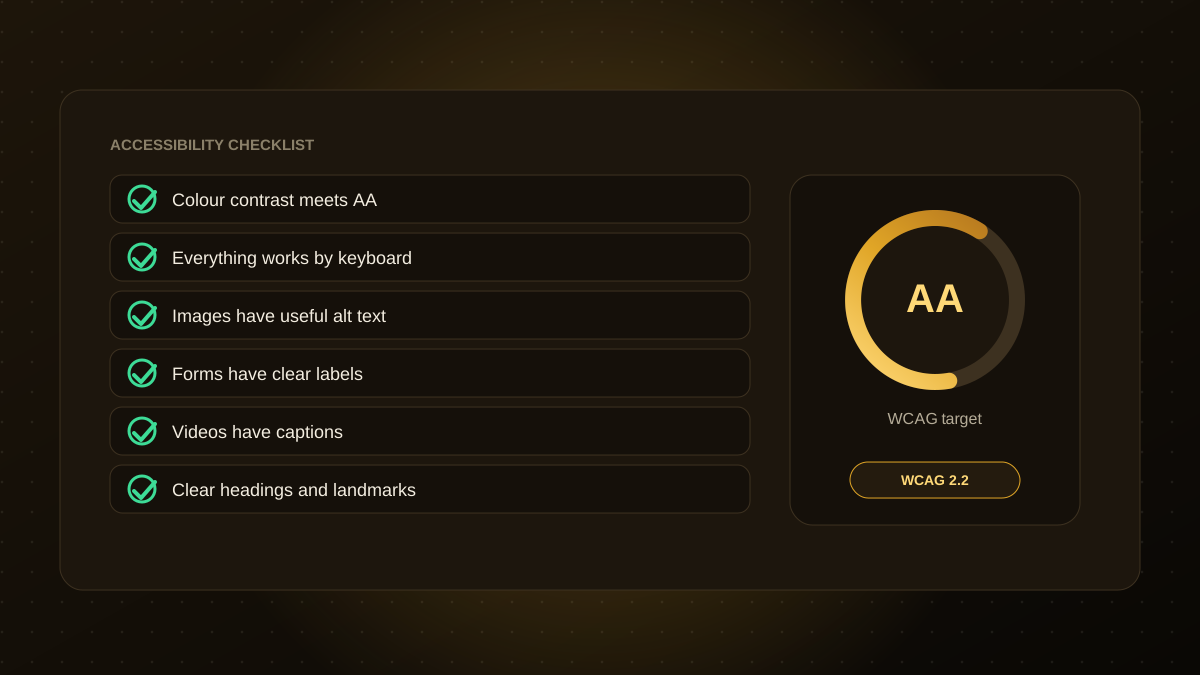
Website Accessibility Checklist: WCAG and the European Accessibility Act
Accessible websites reach more customers and reduce legal risk. A practical checklist for contrast, keyboard use, alt text, forms and more, with notes on the European Accessibility Act.
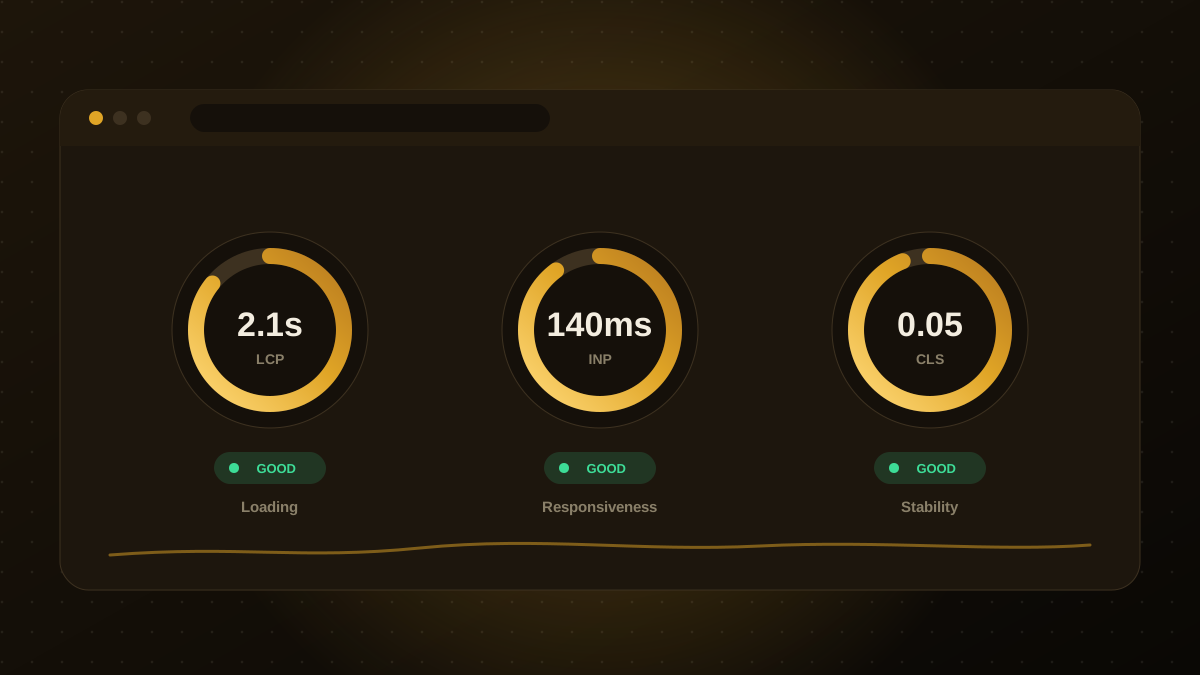
Core Web Vitals Checklist: How to Improve Website Speed and SEO
A practical checklist for LCP, INP and CLS: the targets to hit, the fixes that matter most, and the tools to measure them.
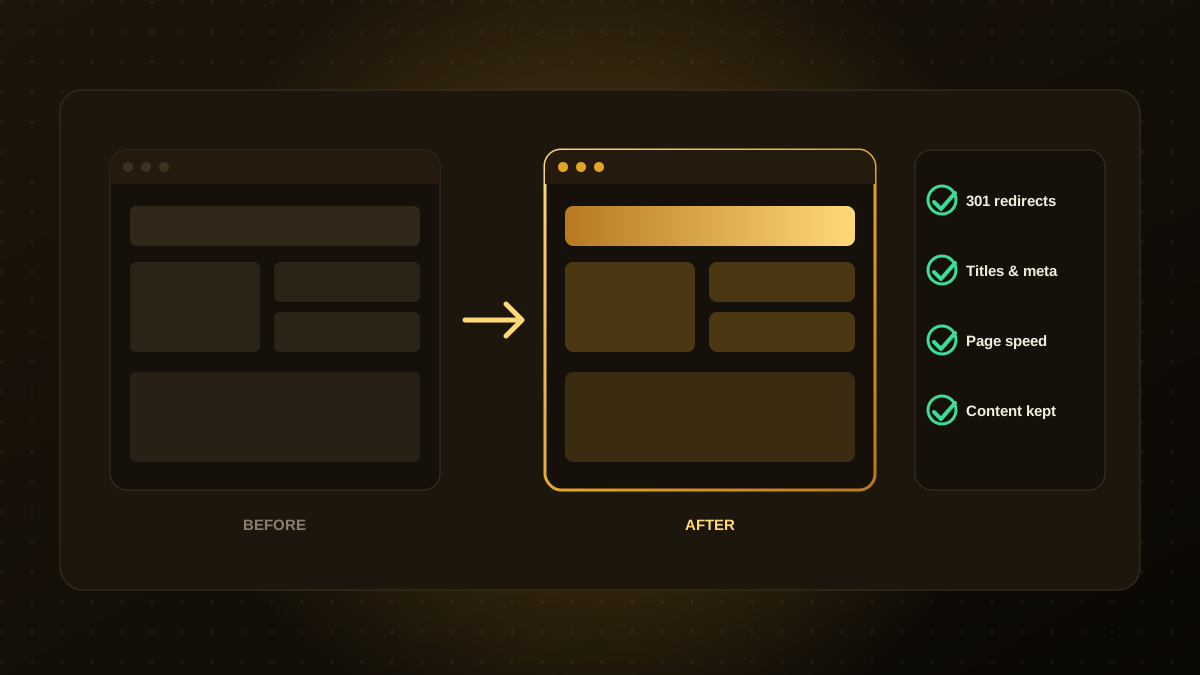
Website Redesign Checklist: How to Redesign Without Losing Your SEO Rankings
A redesign can wipe out your search traffic if it is not planned. Use this checklist for redirects, content, metadata, speed and launch checks to protect your rankings.